

Start a video visit
Book a video visit at the front desk, then join the call, confirm the patient and act from the call screen.
Book the visit
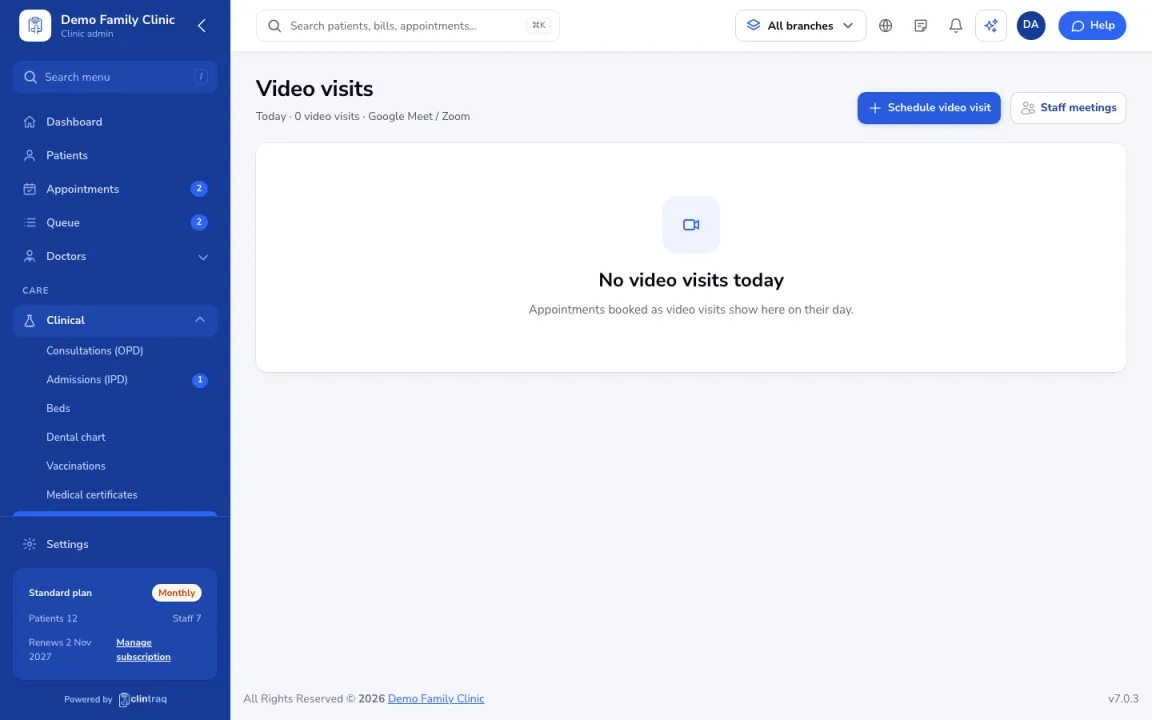
The front desk books it with Schedule video visit under Clinical › Video visits. The patient gets the link by text and email.
Join the call
At the time, the doctor opens Video visits and joins the call.
Confirm the patient
Confirm the patient's identity on camera (name and birthday), then write notes during the call.
Act from the call
Use Send prescription, Order lab, Book clinic visit or Certificate from the call screen.
On the phone
In the staff app (doctor), open More › Video visits.
Was this article helpful?