

Import patients from Excel
Bring your existing patient list in from an Excel or CSV file.
Get the template
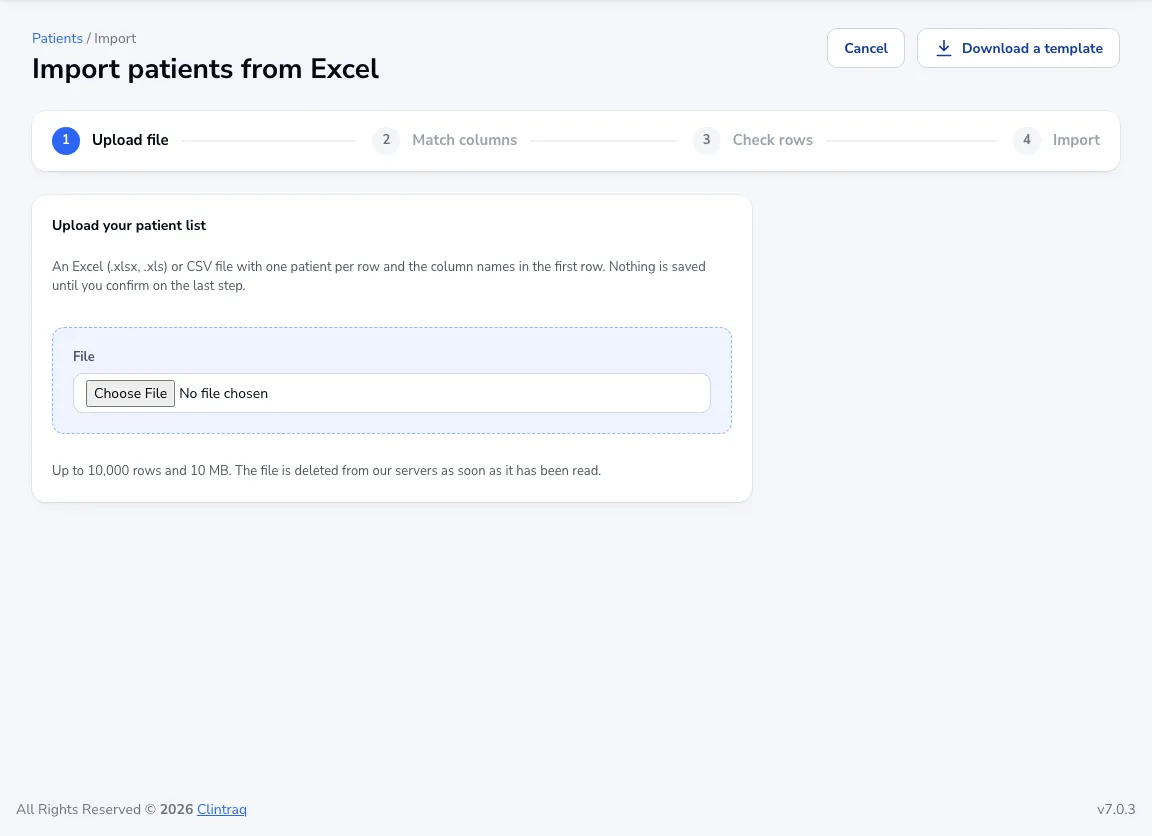
Go to Patients → Import and click Download a template, or use your own file with column names in the first row.
Upload and match
Upload the file (up to 10,000 rows and 10 MB), then match your columns to Clintraq’s fields.
Check and import
Review the rows with problems, fix or skip them, then confirm. Nothing is saved until the last step, and the file is deleted from our servers once it has been read.
Was this article helpful?