

Export a list to Excel
Download any list, such as Patients, Appointments or Bills, as an Excel file.
Set your filters
Open the list (Patients, Appointments, Bills and so on) and set your filters first.
Export
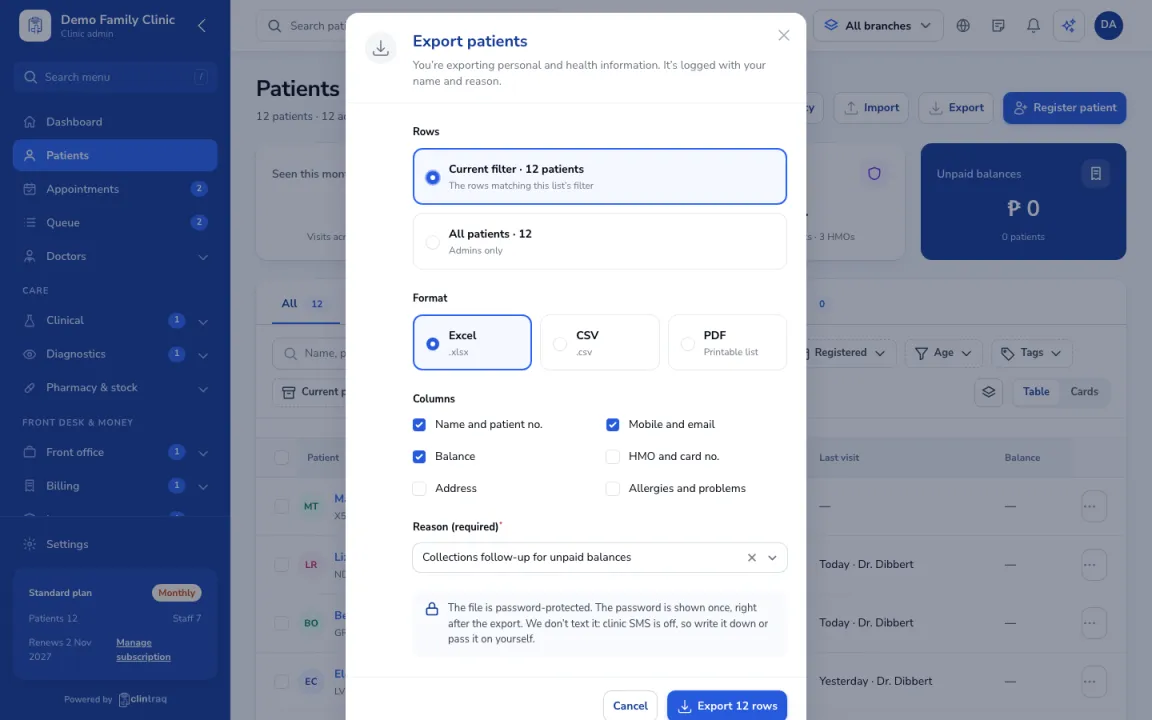
Click Export, then choose the rows, format and columns.
Reason and password
Some exports ask for a reason and give you a password-protected file.
Was this article helpful?