

Admit a patient
Admit a patient to a free bed with the diagnosis, doctor, deposit and consents, and notify the ward nurses.
Start the admission
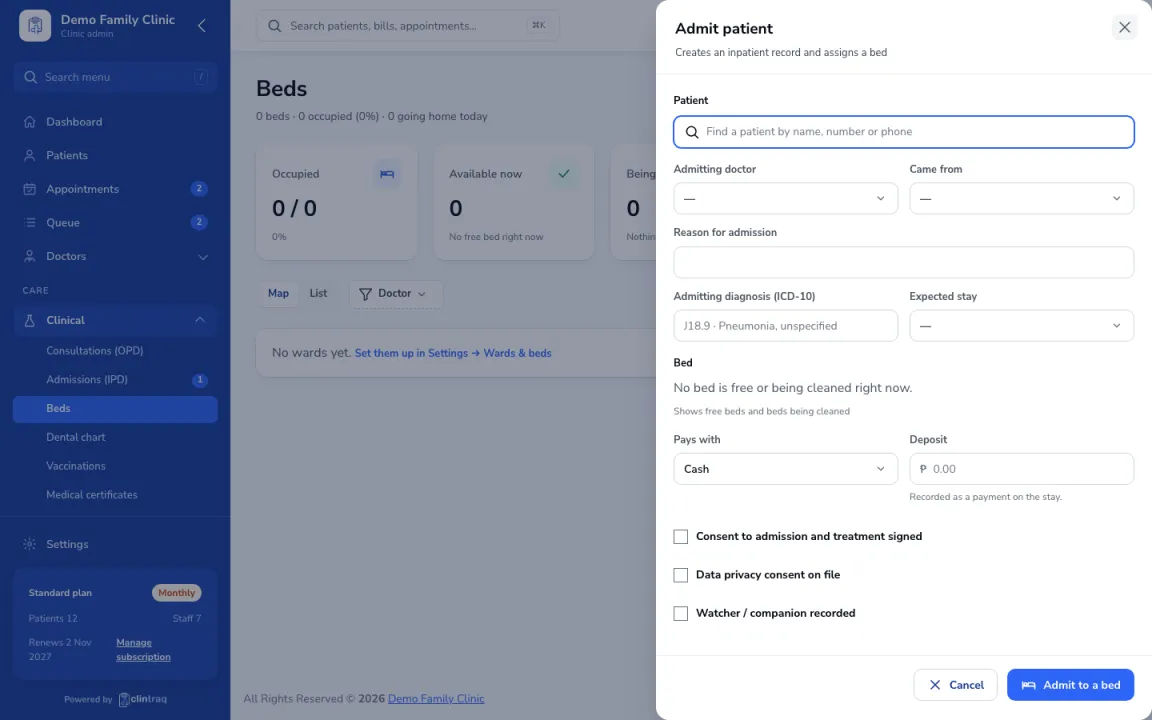
Go to Care › Beds and click Admit patient.
Reason and doctor
Enter the reason, admitting diagnosis and doctor.
Bed, deposit and consents
Pick a free bed (rates are shown). Record the deposit and the consents.
Save
Save. The ward nurses are notified and the patient appears on the bed map.
Was this article helpful?