

Add the patient’s photo and ID
Take or upload a patient's photo and ID so discounts and records are correct.
Open Photo & ID
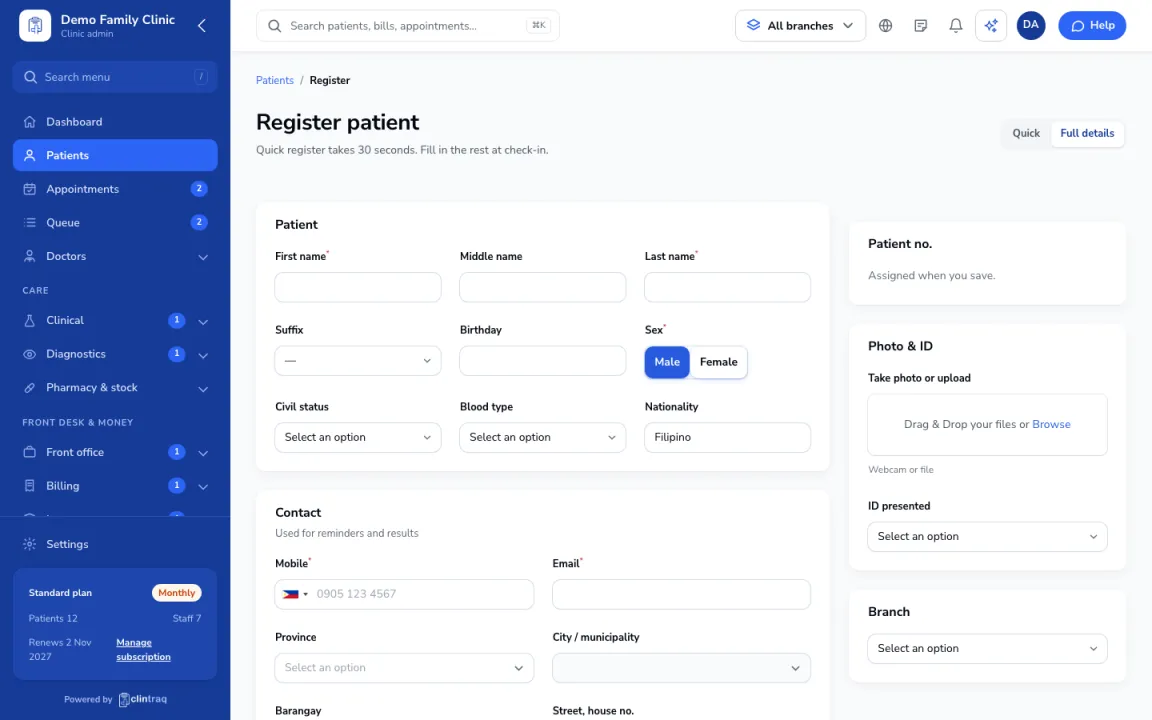
In the patient form, go to Photo & ID.
Add the photo
Click Take photo or upload (webcam or file).
Pick the ID
Pick the ID presented (for example PhilSys National ID). For senior or PWD IDs, type the ID number so discounts apply.
On the phone
In the staff app, open Register patient › Photo & ID.
Was this article helpful?