

Import patients from Excel
Bring your existing patient list into Clintraq from Excel or CSV, with checks before anything is saved.
Get the template
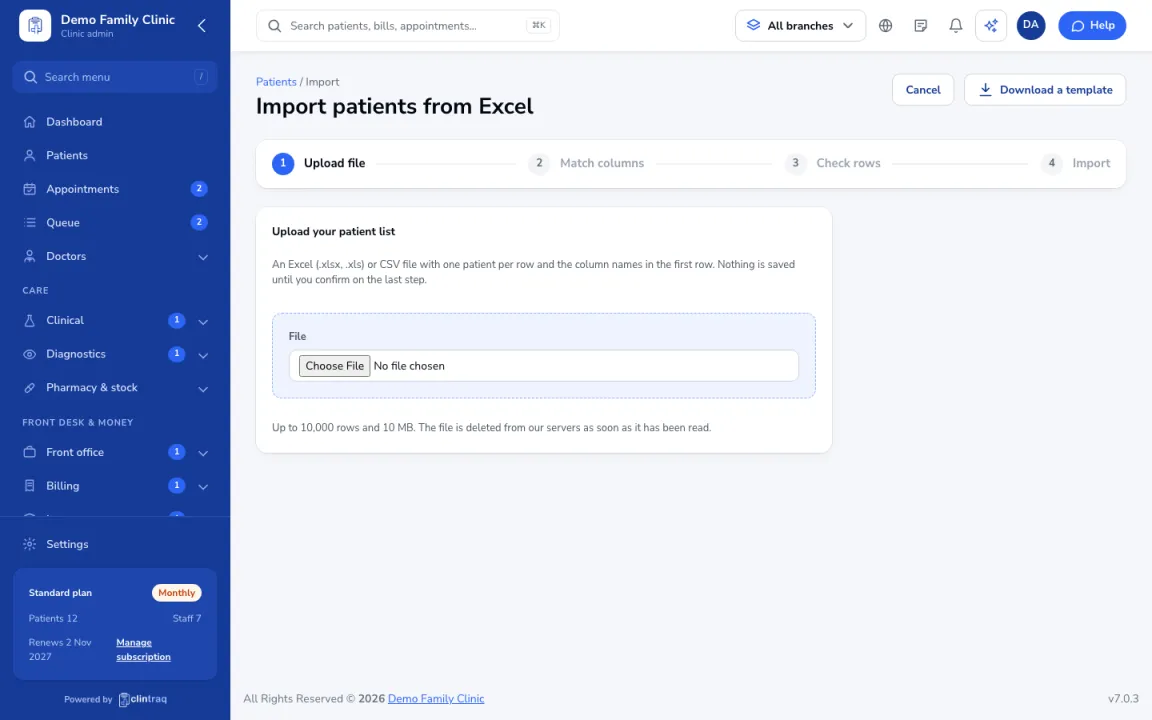
Go to Patients and click Import. Download the template if you want a ready format.
Upload and match
Upload your Excel or CSV file, then match each of your columns to a Clintraq field. Choose Don't import for columns you don't need.
Check the rows
Clintraq flags missing names, bad dates, duplicates and invalid mobile numbers before anything is saved.
Confirm
Confirm to import. You can undo an import for 7 days.
Tip Allergies written in a free-text column can't be imported. After the import, Clintraq lists the patients whose remarks mention an allergy so a nurse can record them properly.
Was this article helpful?