

Give a medicine (MAR)
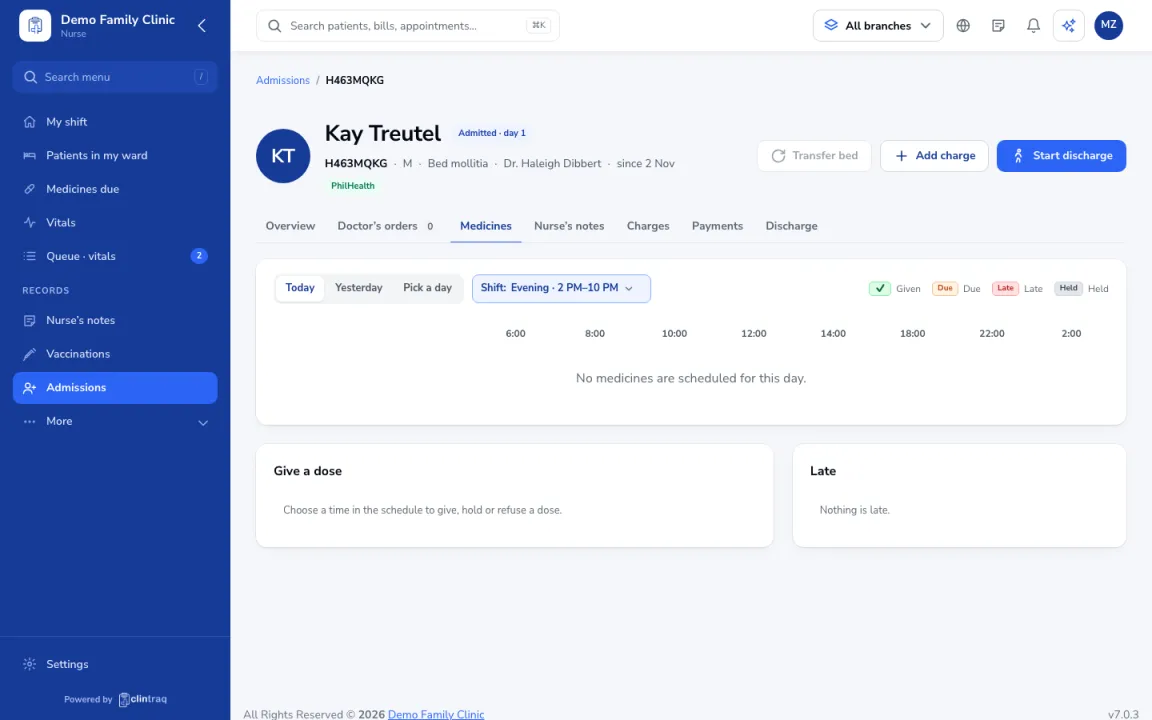
- Open the inpatient’s Medicines tab. Each dose shows as Given, Due, Late or Held.
- Click the due dose. Check the patient’s name, IPD number, allergies, dose, route and time.
- Scan the wristband and the medicine if you have a scanner, record the time and site, and click “Mark given”.
- If you didn’t give it, choose Held or Refused and write why.
On the phone: Staff app (nurse): Meds tab · scan wristband
Was this article helpful?