

Give and record a vaccine
Record a vaccine dose with its lot, site and consent, and let stock go down by itself.
Open the patient
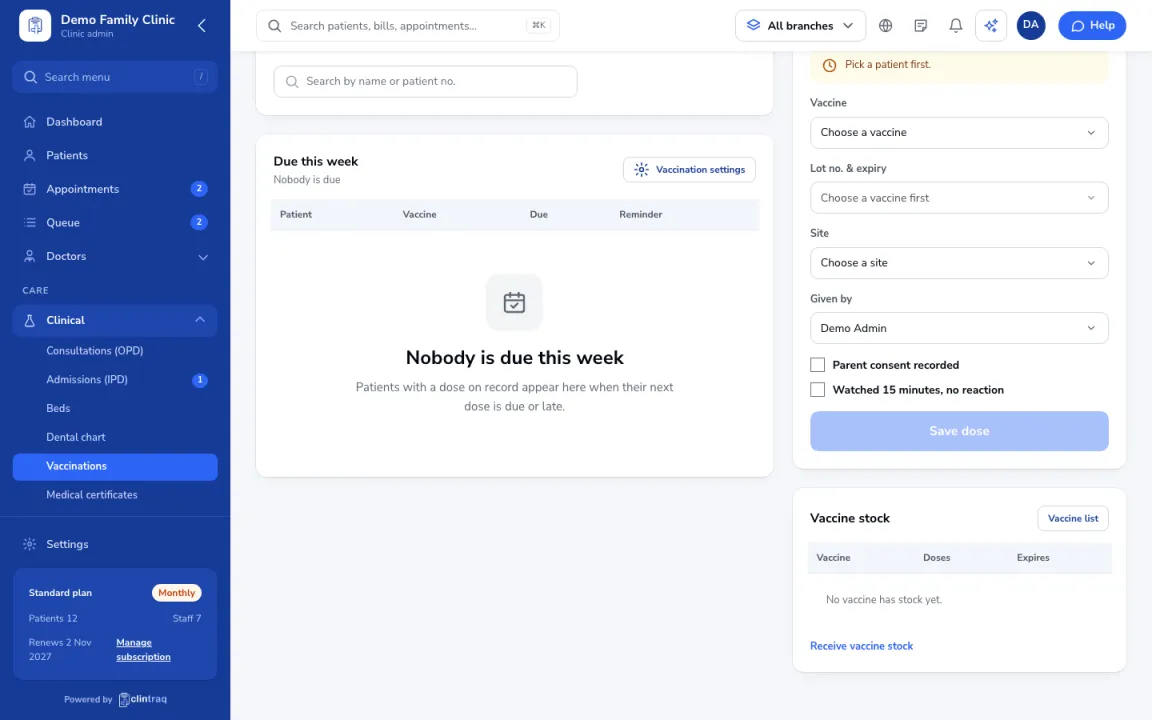
Go to Care › Vaccinations and open the patient. The grid follows the DOH schedule and shows what's due or late.
Give the vaccine
Click Give vaccine, pick the vaccine and the lot (expiry and stock are shown), the site and who gave it.
Consent and save
Tick consent and the 15-minute observation, then click Save dose. Stock goes down automatically.
On the phone
In the staff app (nurse), open More › Vaccinations.
Was this article helpful?