

Switch branch
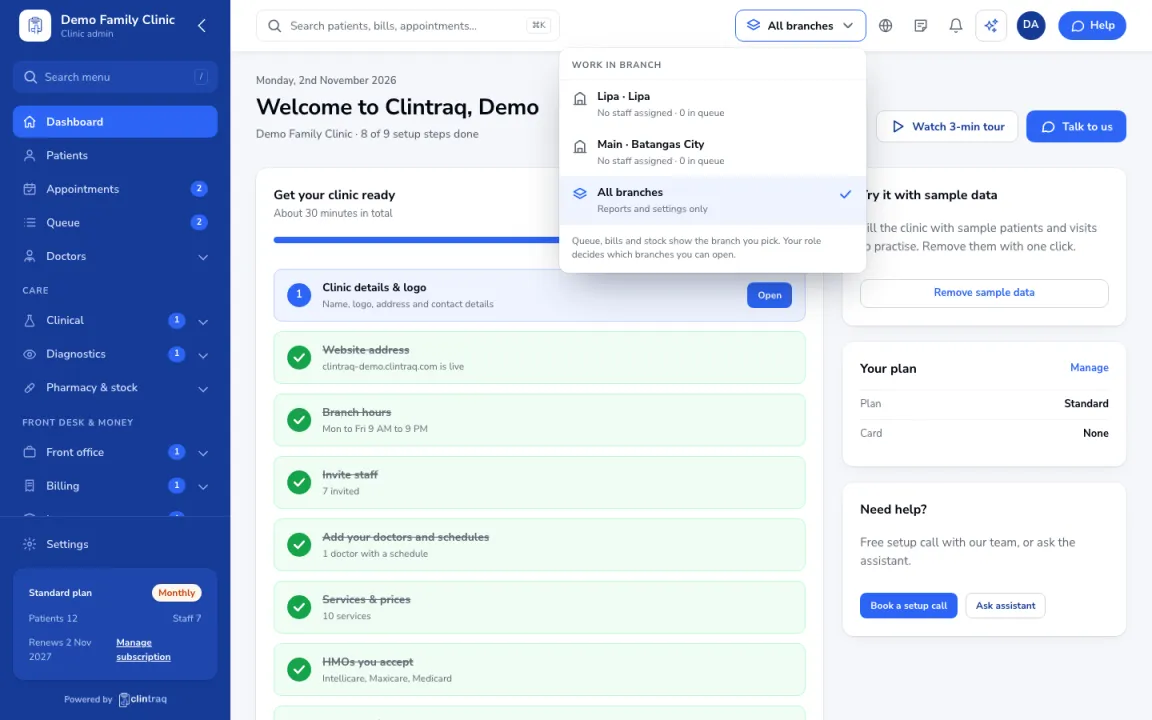
Pick the branch you are working in so the queue, bills and stock match it.
Pick a branch
Click the branch name in the top bar and pick the branch.
What changes
Queue, bills and stock show the branch you pick. All branches is for reports and settings only.
If a branch is missing
Your role decides which branches you can open. Ask your clinic admin if one is missing.
Was this article helpful?