

Contact Clintraq support
Reach the Clintraq support team by chat, or leave a message that becomes a ticket.
Start a chat
Click the chat bubble (bottom right) on any page and choose Chat with support.
Outside office hours
Outside office hours, leave a message; it becomes a ticket and we reply by email.
Keep it private
Please don't send patient names or health details in the chat.
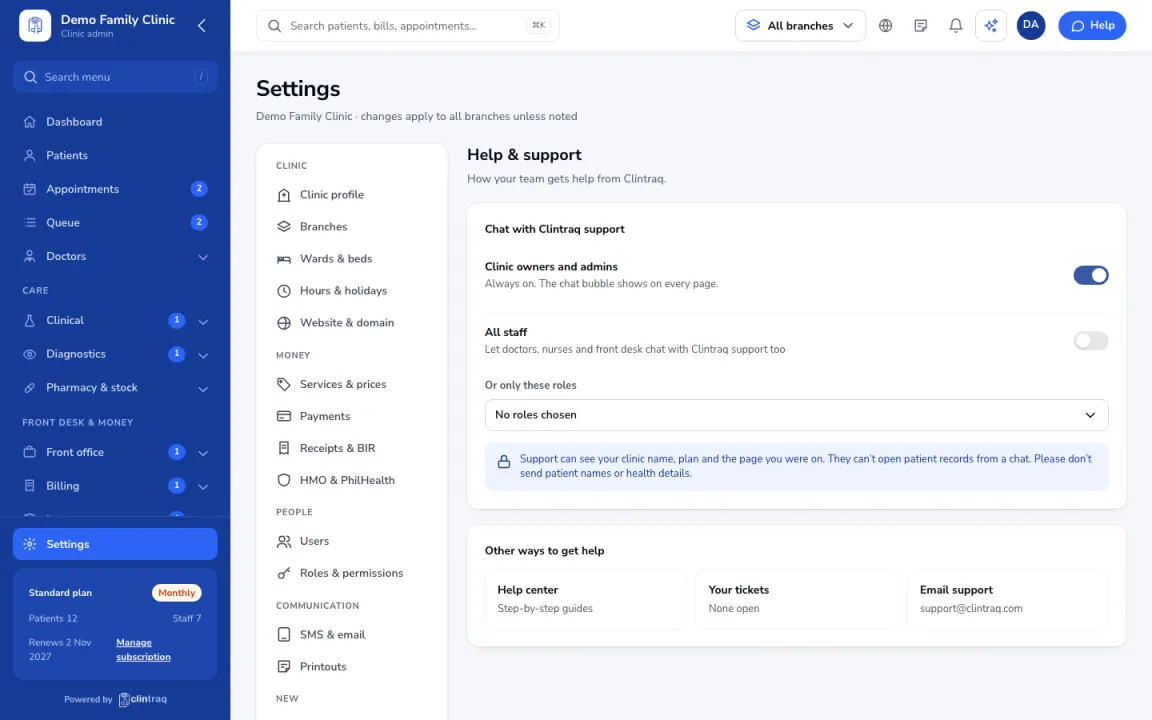
Tip If you can't see the chat bubble, your clinic admin can allow it for your role in Settings › Help & support.
Was this article helpful?