

See your plan, usage and invoices
Check your plan, renewal date and usage, buy add-ons and download Clintraq invoices.
See your plan and usage
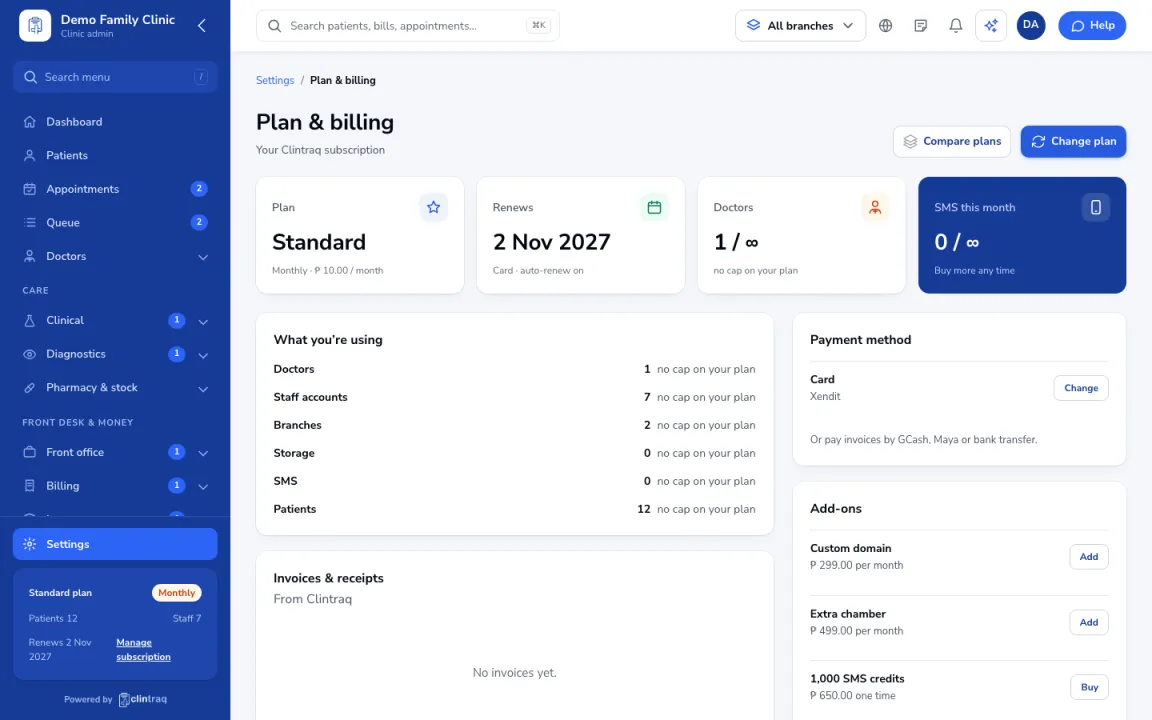
Open Settings › Plan & billing to see your plan, renewal date, and usage against limits (doctors, staff, branches, storage, SMS).
Add-ons and plan changes
Buy add-ons (extra branch, SMS credits) or change plan from here.
Invoices and card
Download Clintraq invoices and receipts, and update the card or billing details.
Tip The staff app shows your plan but plan changes are made on the web panel.
Was this article helpful?