

Run or schedule a report
Open a report, set the branch and dates, export it, or have it emailed to you on a schedule.
Pick a report
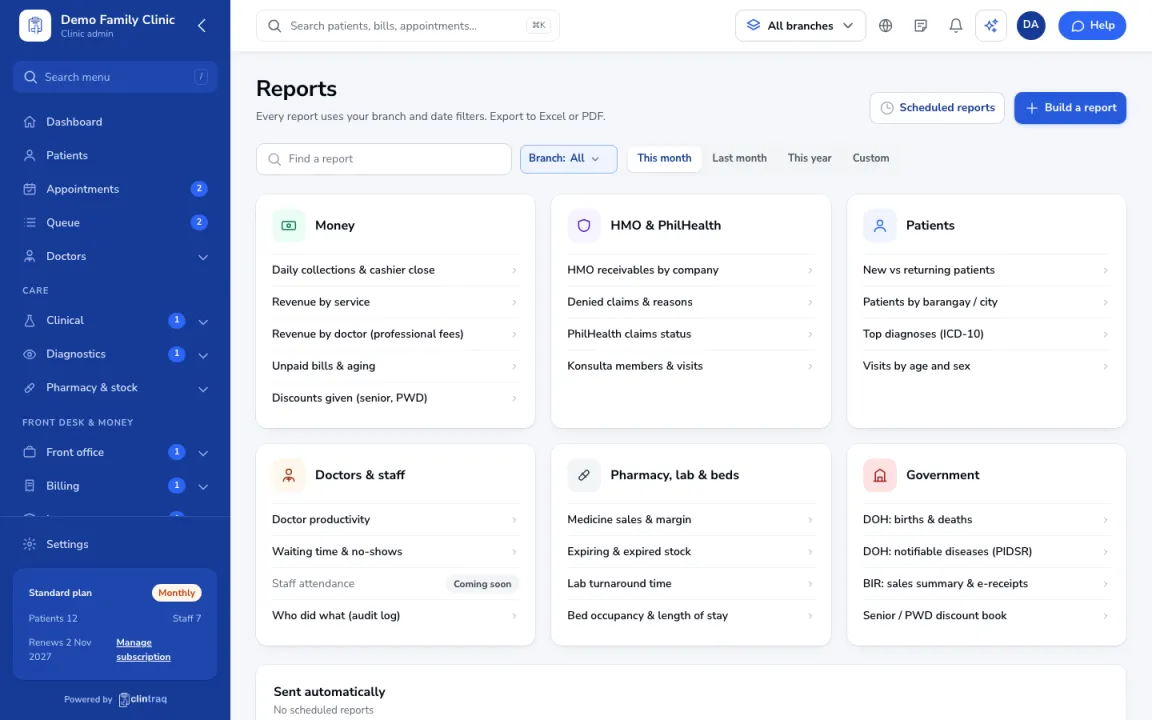
Open Reports and pick one, for example Daily collections, Revenue by service, Doctor productivity or Top diagnoses.
Set filters and export
Set the branch and dates at the top. Export to Excel or PDF.
Schedule it
To get it by email regularly, add it to Scheduled reports with who gets it and when.
Tip The assistant can't look up your numbers. Use Reports for that.
Was this article helpful?