

Make a bill for a visit
Bill a finished visit: pull in its items, add more, set who pays, and let the HMO claim draft itself.
Start the bill
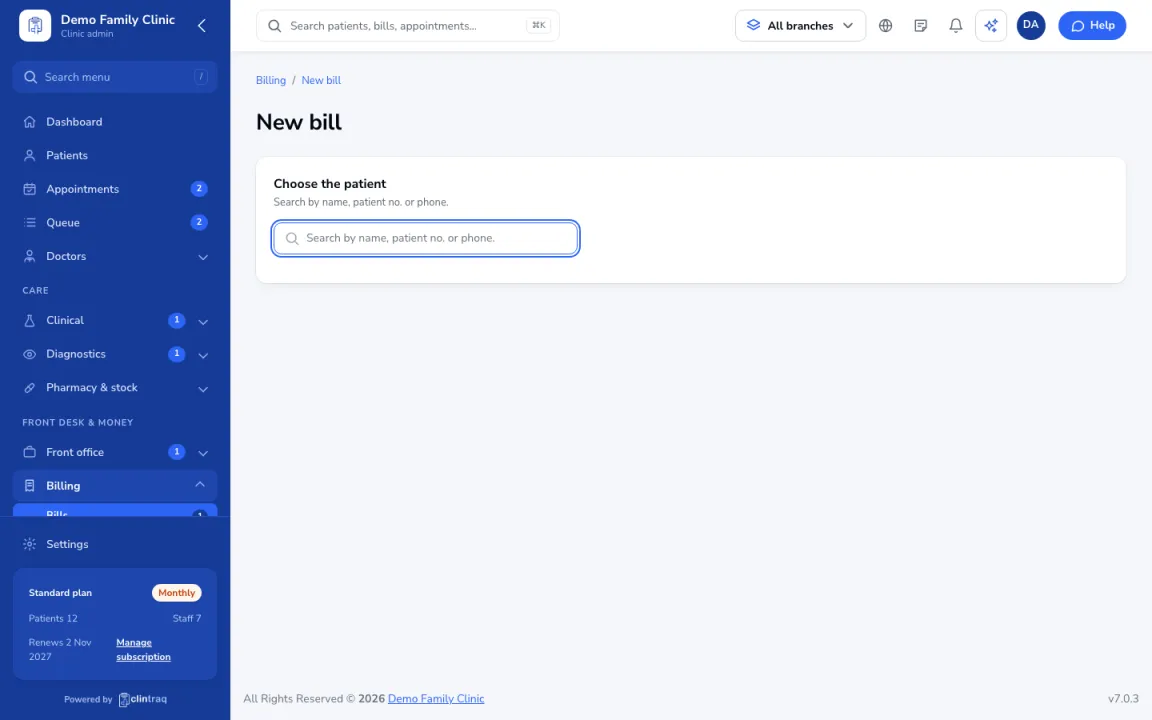
Open the finished visit, or go to Billing › New bill. Items from the visit are pulled in automatically.
Add items
Add more with + Add item from your price list.
Who pays
Set who pays each item (HMO or patient) and any discount. Senior and PWD discounts need the ID number.
Check and save
Check Who pays what, then save. If an HMO covers part of it, the HMO claim is drafted automatically.
On the phone
In the staff app, open the Billing tab.
Tip Finished visits without a bill show in Consultations (OPD) as "Not billed".
Was this article helpful?