

Take an advance payment or deposit
Record an advance payment or admission deposit that is used on the patient's next bills automatically.
Record the payment
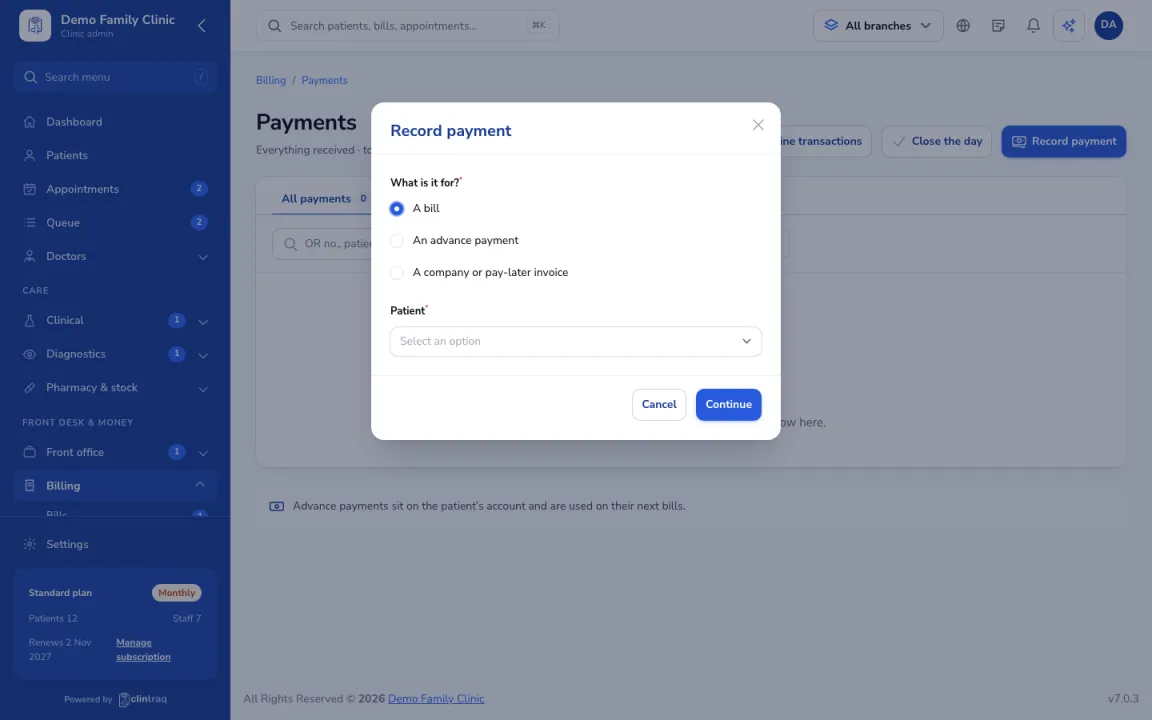
In Billing › Payments, click Record payment and choose the patient.
Mark it as an advance
Record it as an advance (for example an admission deposit).
How it is used
Advance payments sit on the patient's account and are used on their next bills automatically.
Was this article helpful?