

Record an expense
Record what the clinic spent, with VAT, withholding and the receipt attached, for your BIR books.
Enter the expense
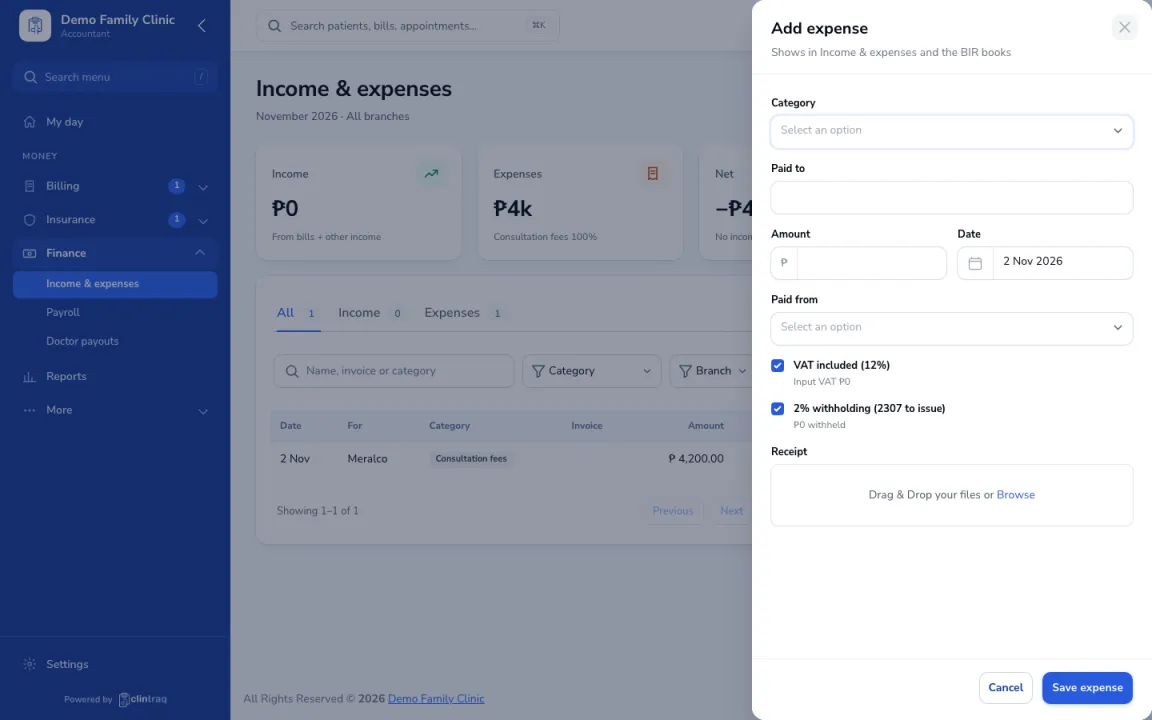
Go to Finance › Income & expenses and click Add expense. Enter the category, who you paid, amount, date and where it was paid from.
Tax details
Tick VAT included and withholding if they apply.
Attach and save
Attach the receipt and save. It shows in Income & expenses and your BIR books.
Was this article helpful?