

Refund a payment
Refund a payment from the Payments list, with the amount and reason logged.
Find the payment
Find the payment in Billing › Payments and open its row menu.
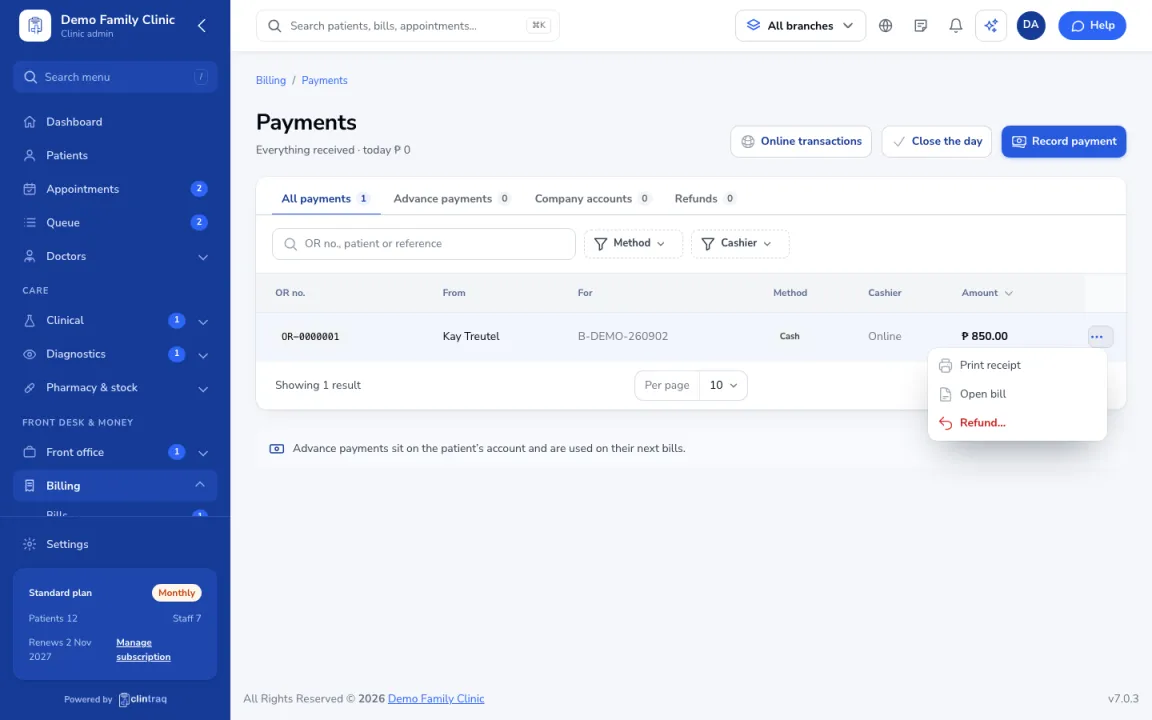
Choose Refund
Choose Refund, then enter the amount and reason.
How it is processed
Online payments are refunded through the payment gateway. Refunds may need approval depending on your role, and they are logged.
Was this article helpful?