

Change language or dark mode
Choose Light, Dark or System and your language for your own screens.
Open the setting
Open My profile › Language & look.
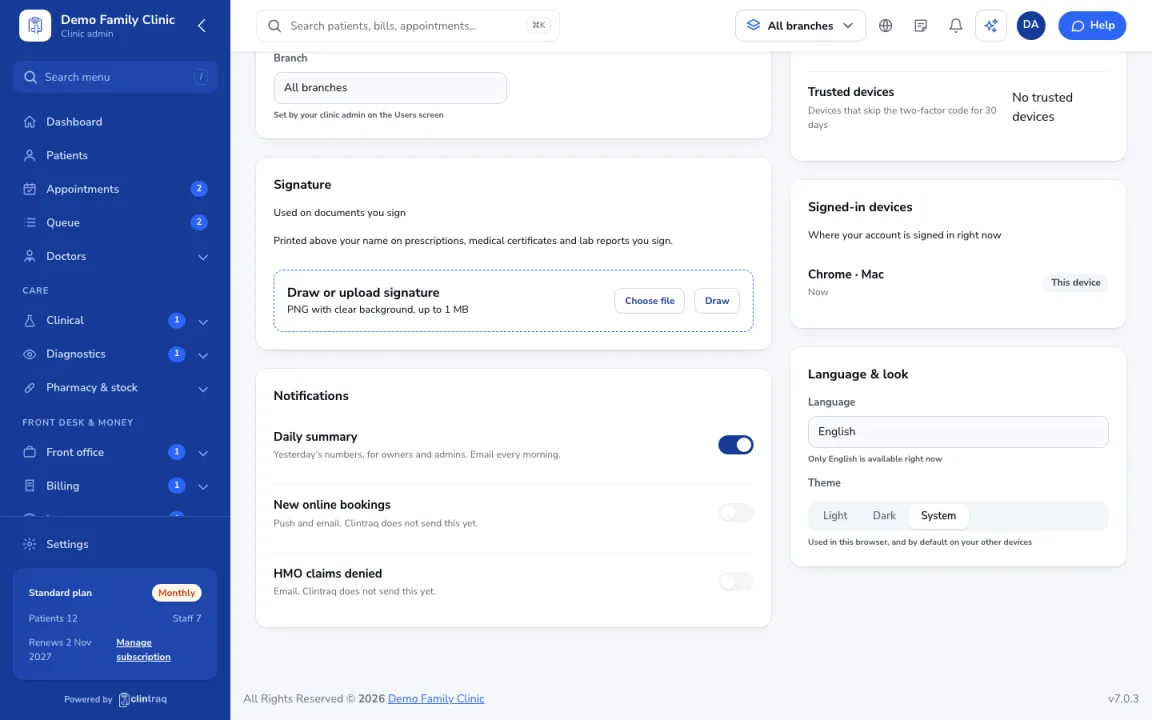
Choose your look
Pick Light, Dark or System for the theme, and your language.
Tip This only changes your own screens. What patients see is set in Settings › Language.
Was this article helpful?