

Sign out a lost phone or another device
Remove a lost phone or an old browser from your account so no one else can use it.
Find the device
Open My profile › Security. Under Signed-in devices, find the phone or browser.
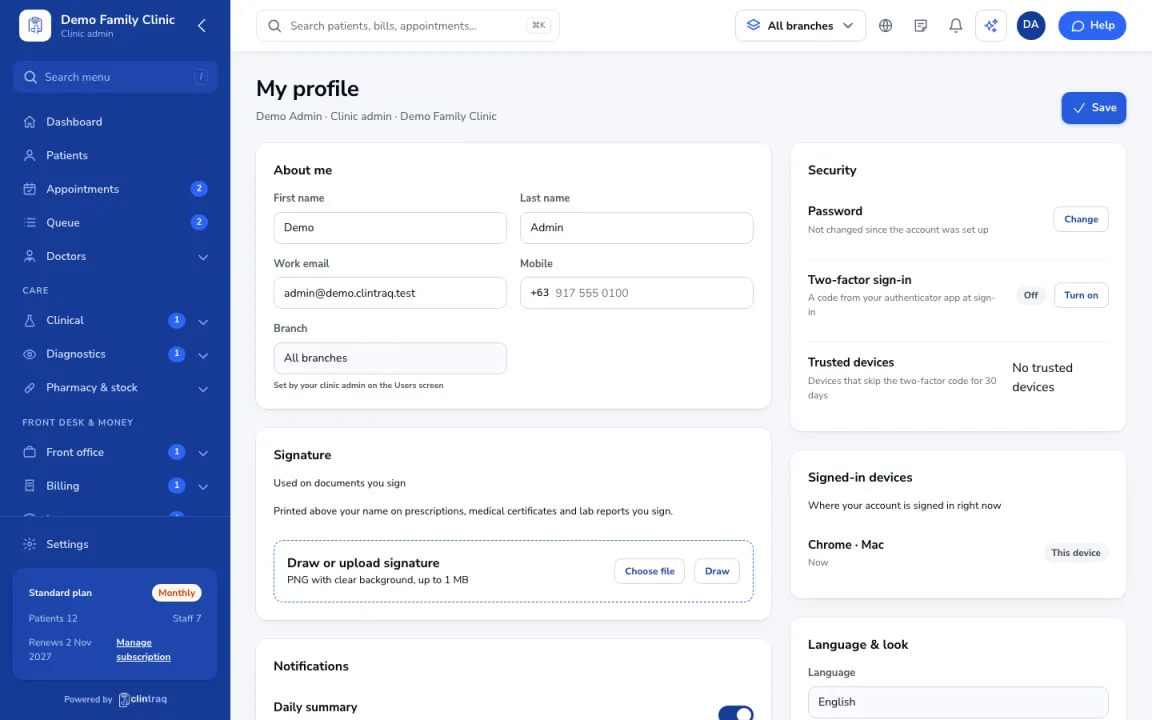
Sign it out
Click Sign out next to that device.
Change your password
Then change your password. If the phone had the staff app, tell your clinic admin.
On the phone
In the staff app, open More › Sign out › Sign out of all phones.
Was this article helpful?