

Invite a staff member
Invite a teammate by email, give them a role and branches, and let them create their own password.
Start the invite
Go to Users and click Invite staff.
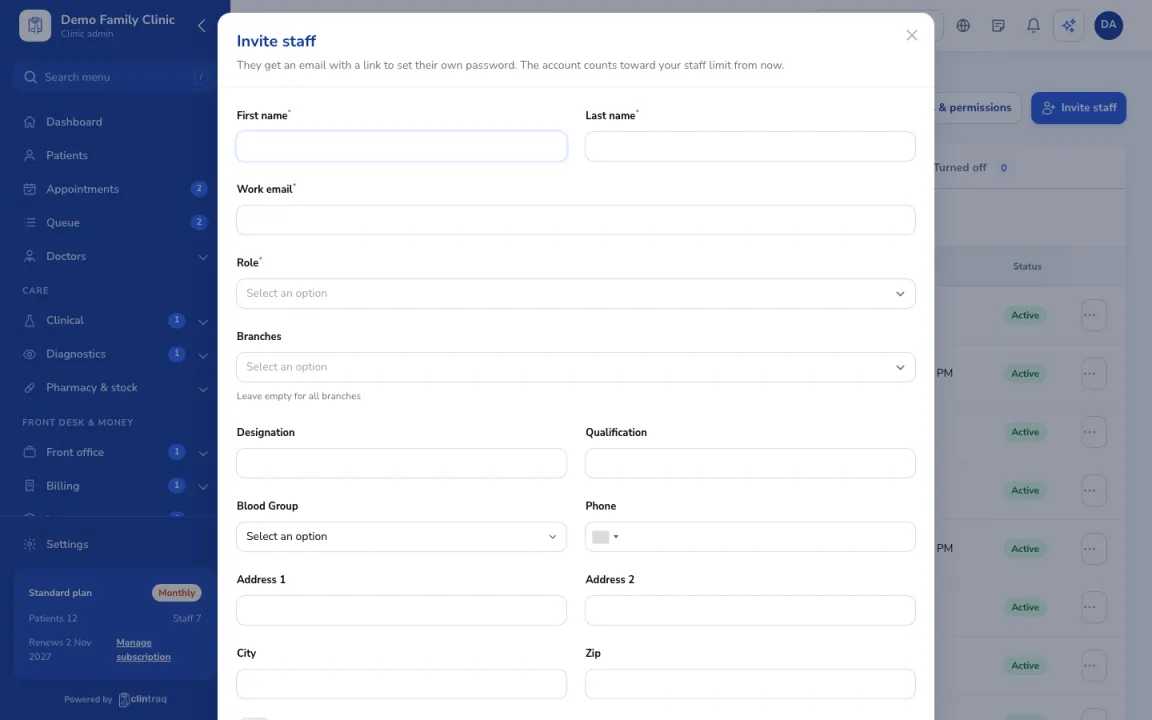
Pick role and branches
Enter their name and email. Pick their role (Doctor, Nurse, Receptionist, Pharmacist, Lab technician, Accountant, Clinic admin or a custom role) and the branches they work in.
Send it
Send the invite. They get an email link to create their password, and the invite shows as Invited until they accept.
Staff limit
Staff accounts count toward your plan's staff limit. Patients don't.
Was this article helpful?