

Do a stock count
Count what is on the shelf, record the differences and adjust your stock.
Enter your counts
Go to Pharmacy & stock › Medicine stock and click Stock count. Enter what you count for each item and lot.
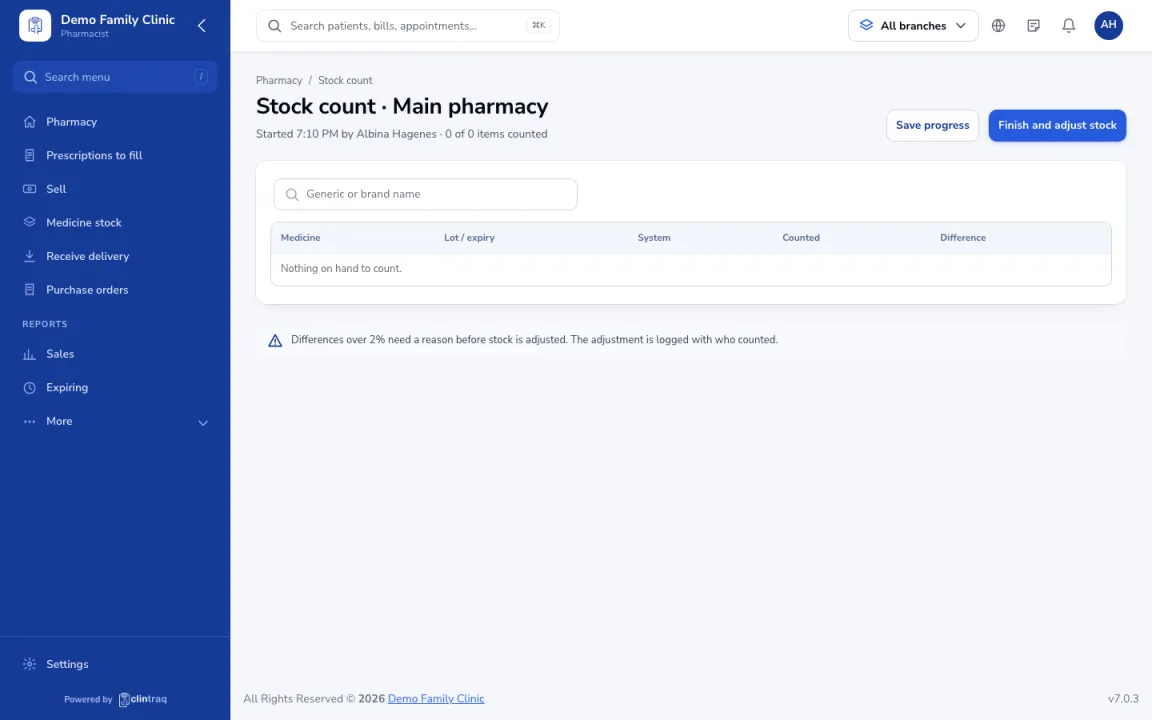
Save progress
Use Save progress if you need to stop.
Finish and adjust
Differences over 2% need a reason. Click Finish and adjust stock when done. The adjustment is logged with who counted.
Was this article helpful?