

Make a purchase order
Reorder low items, pick a supplier and send the purchase order to them by email.
Start the order
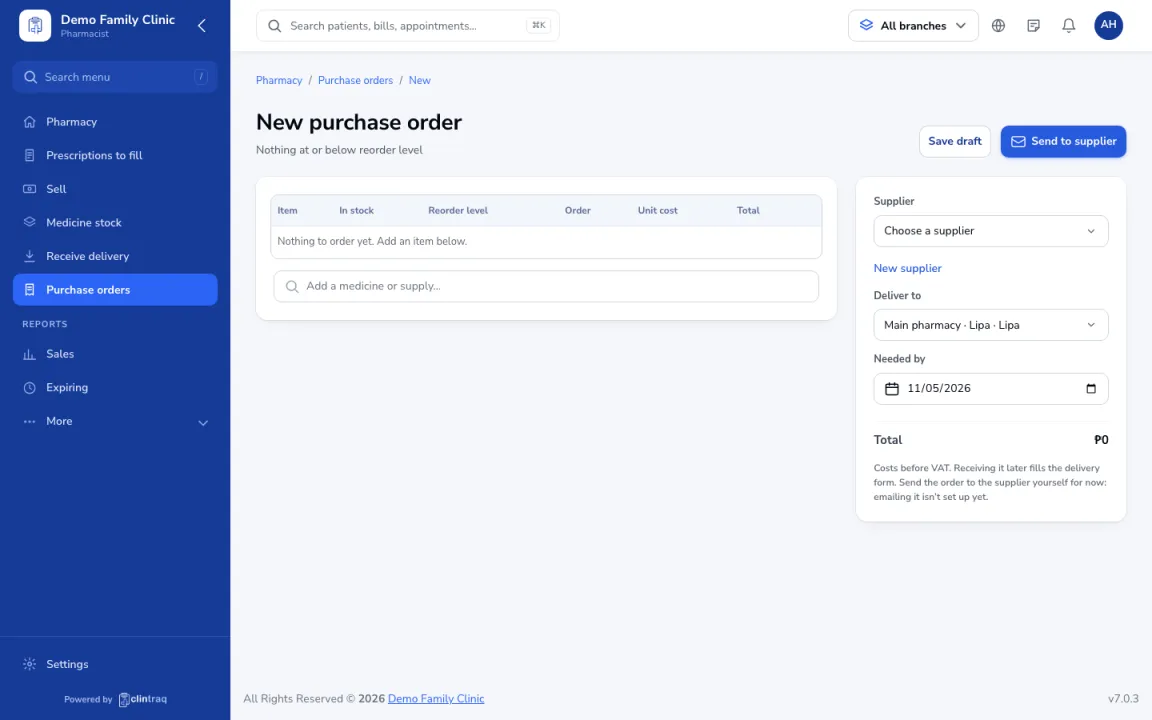
In Pharmacy & stock › Medicine stock, click Reorder, or go to Purchase orders › New. Items at or below reorder level are added.
Fill in the details
Adjust quantities, pick the supplier, where to deliver and the needed-by date.
Send it
Send it. The supplier gets a PDF by email. Receiving the delivery later fills the form for you.
On the phone
In the staff app (pharmacist), open More › New purchase order.
Tip If your clinic needs approval for large orders, the clinic admin approves it first.
Was this article helpful?