

Run the lab worklist
Take samples, enter results, check and release them to the doctor.
Open the worklist
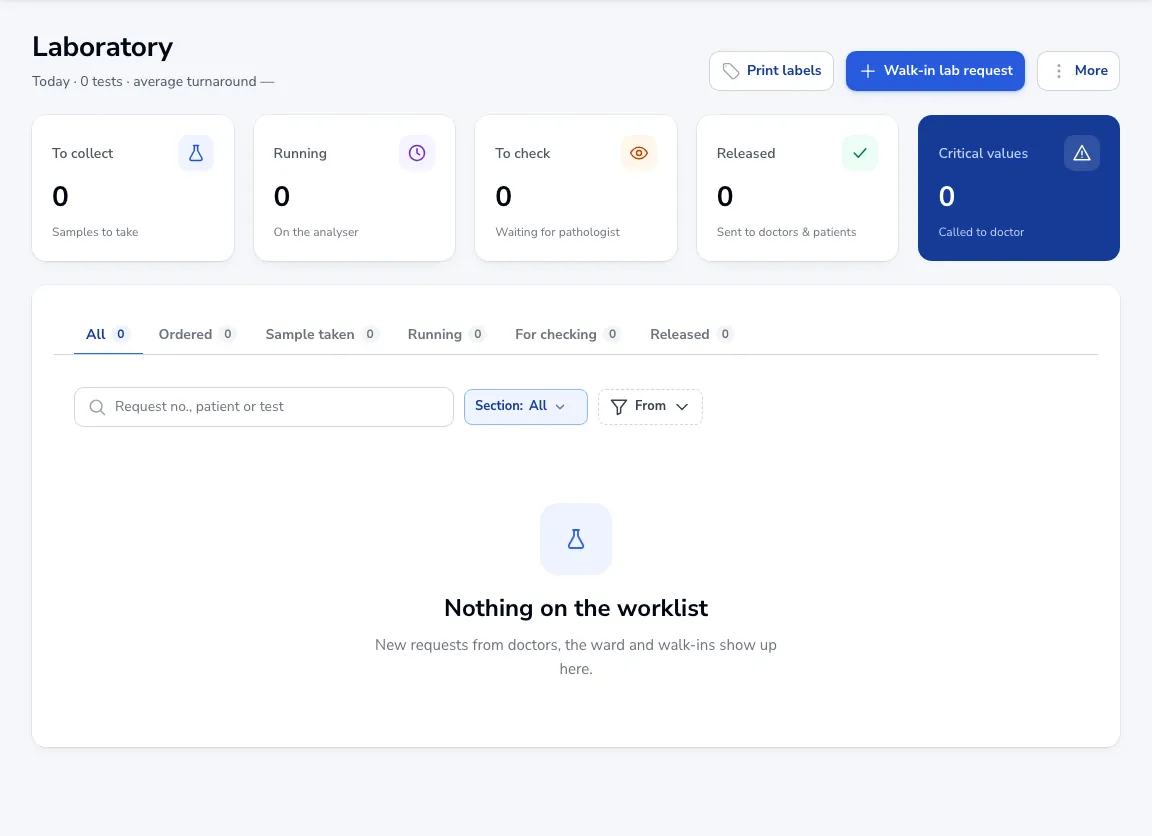
Go to Diagnostics → Laboratory. Requests from doctors, the ward and walk-ins show here, grouped as Ordered, Sample taken, Running, For checking and Released.
Collect and run
Click Print labels for the sample tubes, mark samples as taken, then enter results when they come off the analyser.
Check and release
Results wait under For checking for the pathologist. Once released, the doctor sees them on the patient’s chart. Critical values are listed so you can call the doctor.
Walk-ins
Click Walk-in lab request for a patient without a doctor’s order.
Was this article helpful?