

Write and release an imaging report
Read a study, write the findings and impression, then sign and release the report to the requesting doctor.
Open the study
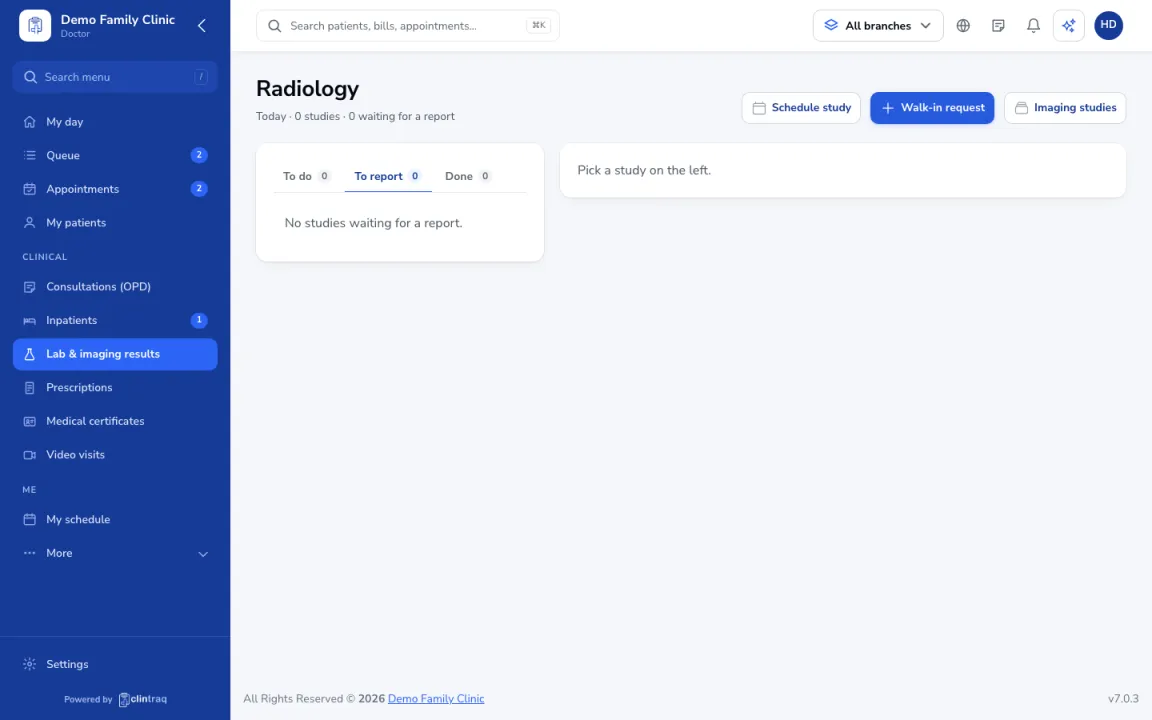
Go to Diagnostics › Radiology › To report and open the study. You can zoom, change contrast and compare with an older study.
Write the report
Write the findings and impression, or start from a template.
Save or release
Save a draft, or click Sign & release to send the report to the requesting doctor.
Was this article helpful?