

Receive a delivery
Check a supplier delivery against its purchase order and add the items to stock.
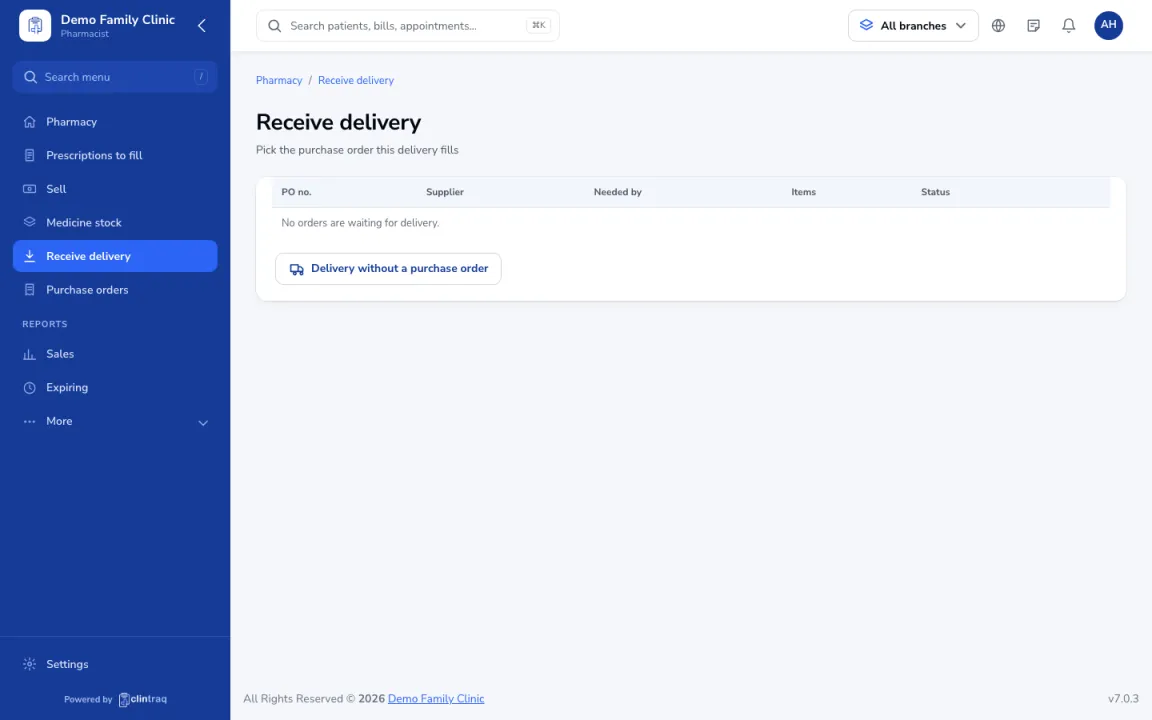
Pick the purchase order
Go to Pharmacy & stock › Receive delivery and pick the purchase order.
Check each item
Check each item against the delivery receipt: quantity received, lot number and expiry. Short deliveries stay open on the purchase order.
Add to stock
Enter the delivery receipt number and click Add to stock.
Was this article helpful?