

Process a lab request
Take a lab request from Ordered to released: sample, results, checking and release to the doctor and patient.
Find the request
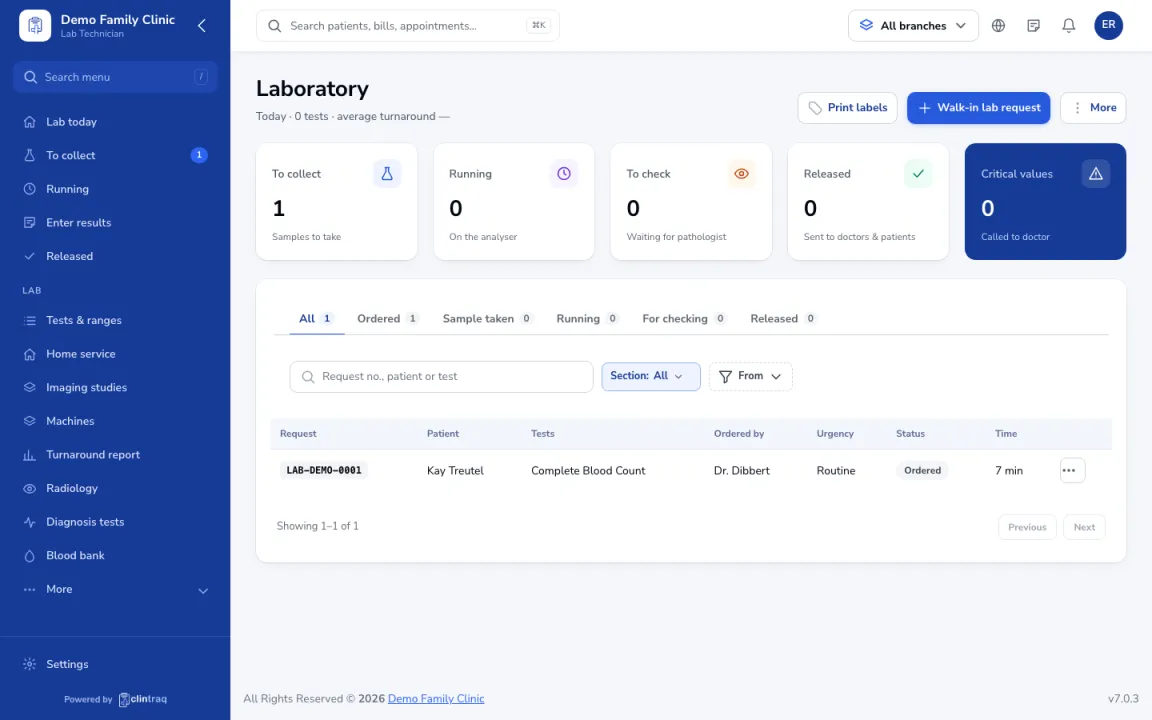
Requests from doctors appear in Diagnostics › Laboratory as Ordered. Use Walk-in lab request for patients without one.
Take the sample
Print labels, take the sample, and mark it taken. It moves to Running.
Enter results
Enter results. Analyser results fill in automatically if connected. Abnormal values are flagged.
Send for checking
Click Send for checking. After the pathologist checks it, it is released to the doctor and patient.
Was this article helpful?