

Fix a denied HMO claim
Fix the cause of a denied HMO claim and resubmit, dispute it, write it off or ask for an extension.
Open the denied claim
Go to Insurance › HMO claims › Denied and open the claim. It shows the denial code and reason, and the resubmission deadline.
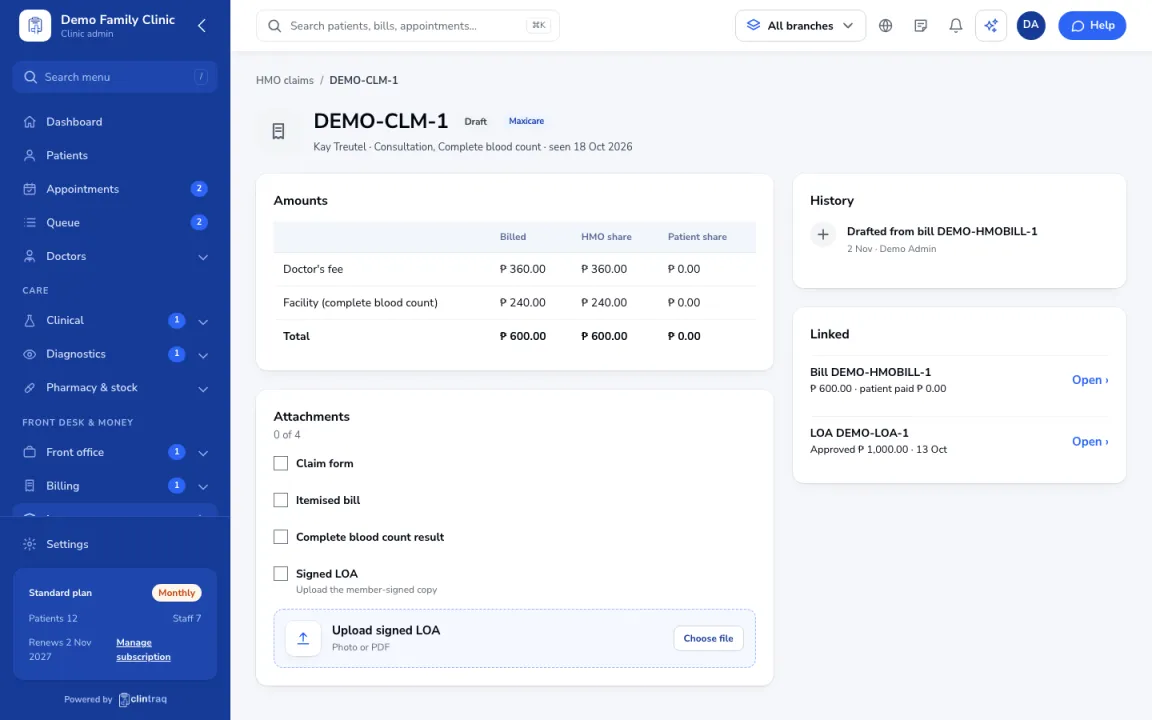
Fix the cause
Fix the cause, for example upload the signed LOA under Attachments.
Choose what to do
Click Fix and resubmit. If you disagree, use Mark disputed. If it cannot be collected, use Write off (this needs a reason).
Past the deadline
If the deadline has passed, use Ask for an extension.
Was this article helpful?