

Get an HMO claim ready
Attach what the HMO needs to a drafted claim and mark it Ready so it can go into a batch.
Claim is drafted
Saving a bill with an HMO share drafts the claim automatically.
Add attachments
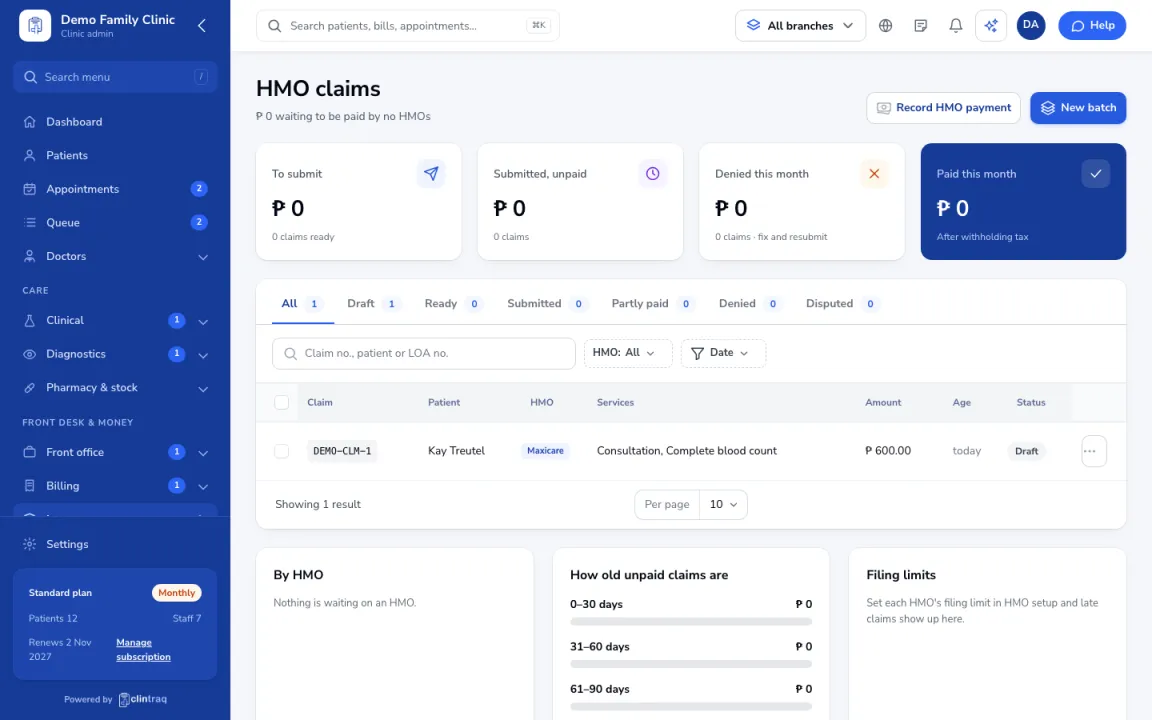
In Insurance › HMO claims, open the draft and attach what the HMO needs (signed LOA, itemised bill, results).
Mark it Ready
When all attachments are in, mark it Ready. Ready claims can go into a batch.
Was this article helpful?