

Request an HMO approval (LOA)
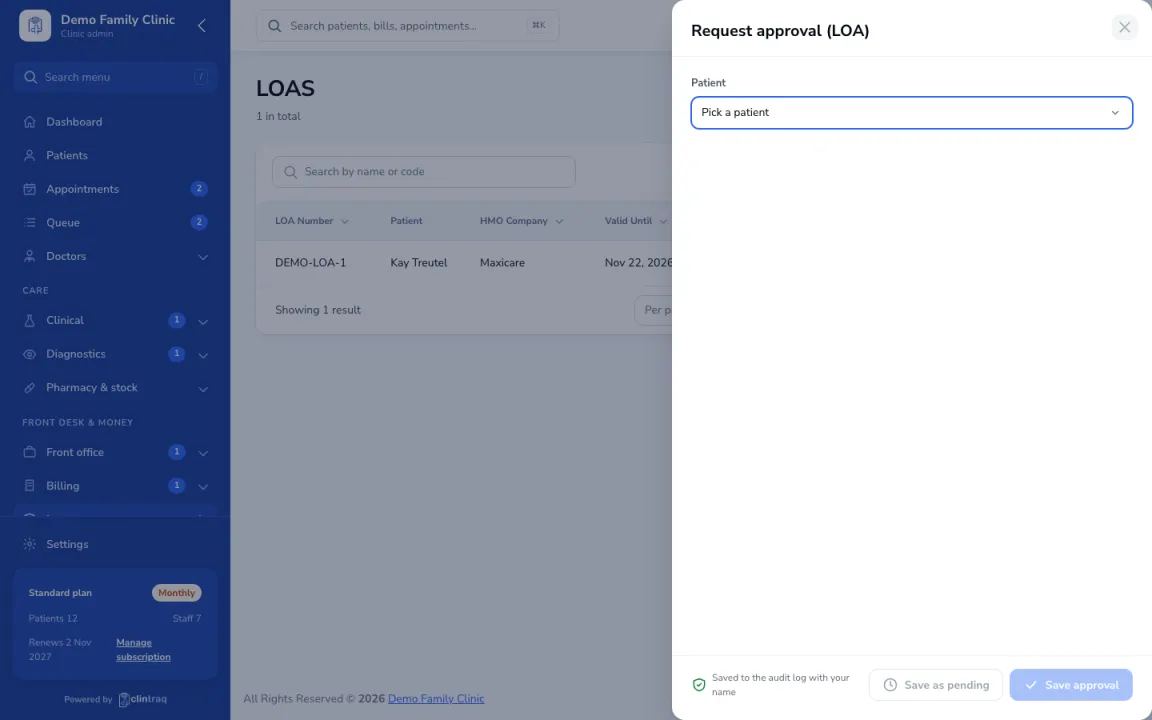
- Open the patient’s visit or bill and choose “Request approval (LOA)”.
- Check the HMO, plan and card number and validity, and pick the services to cover.
- Enter the approval code and amount once the HMO gives it. The LOA attaches to the bill.
- The approved amount is billed to the HMO; the rest goes to the patient.
On the phone: Staff app: More › HMO approvals (LOA)
Was this article helpful?