

Record an HMO payment
Match a remittance from the HMO to the claims it pays, with withholding tax.
Open Record HMO payment
On HMO claims, click Record HMO payment.
Enter the remittance
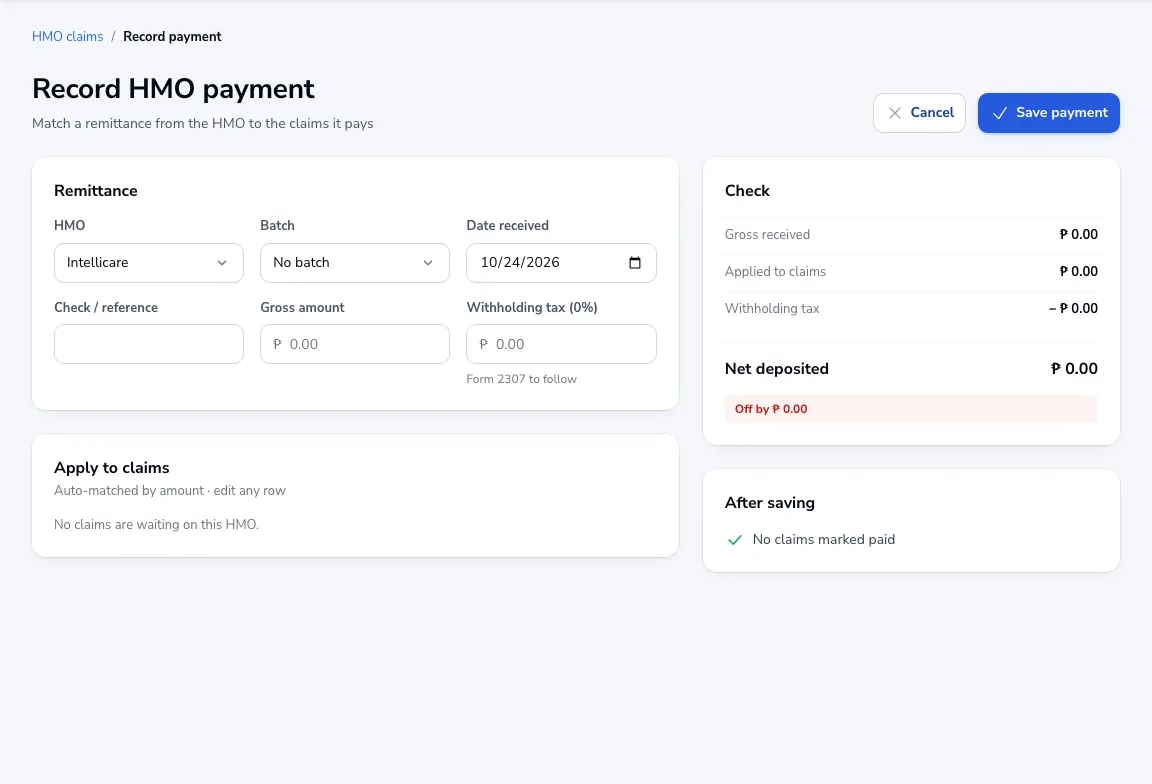
Choose the HMO and batch, the date received, check or reference number, the gross amount and withholding tax. Tick Form 2307 to follow if the certificate comes later.
Apply it to claims
Claims are matched by amount; change any row. The summary shows gross received, applied to claims, withholding and net deposited, and warns if it doesn’t add up. Click Save payment.
Was this article helpful?