

Record an HMO LOA
Save the letter of authorisation so the bill can be charged to the HMO.
Check the patient’s HMO
Add the HMO and card number on the patient’s record (Coverage) if it isn’t there yet.
Record the LOA
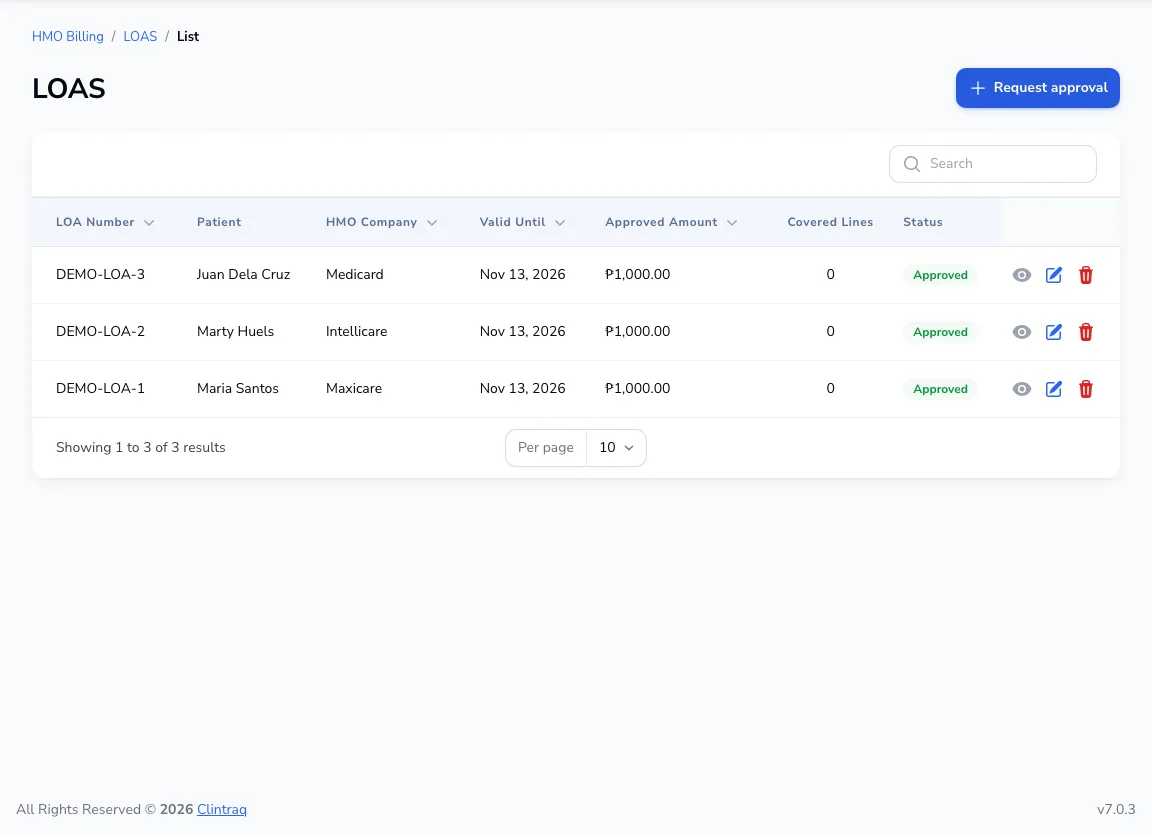
Go to HMO → LOAs and click Request approval. Enter the LOA number, HMO, approved amount and validity.
Bill it
On the patient’s bill choose Bill to the HMO first. The LOA’s approved amount is taken off what the patient pays, and a claim is drafted.
Was this article helpful?