

Submit HMO claims in a batch
Group ready HMO claims into a batch, print the transmittal letter and submit them.
Start a batch
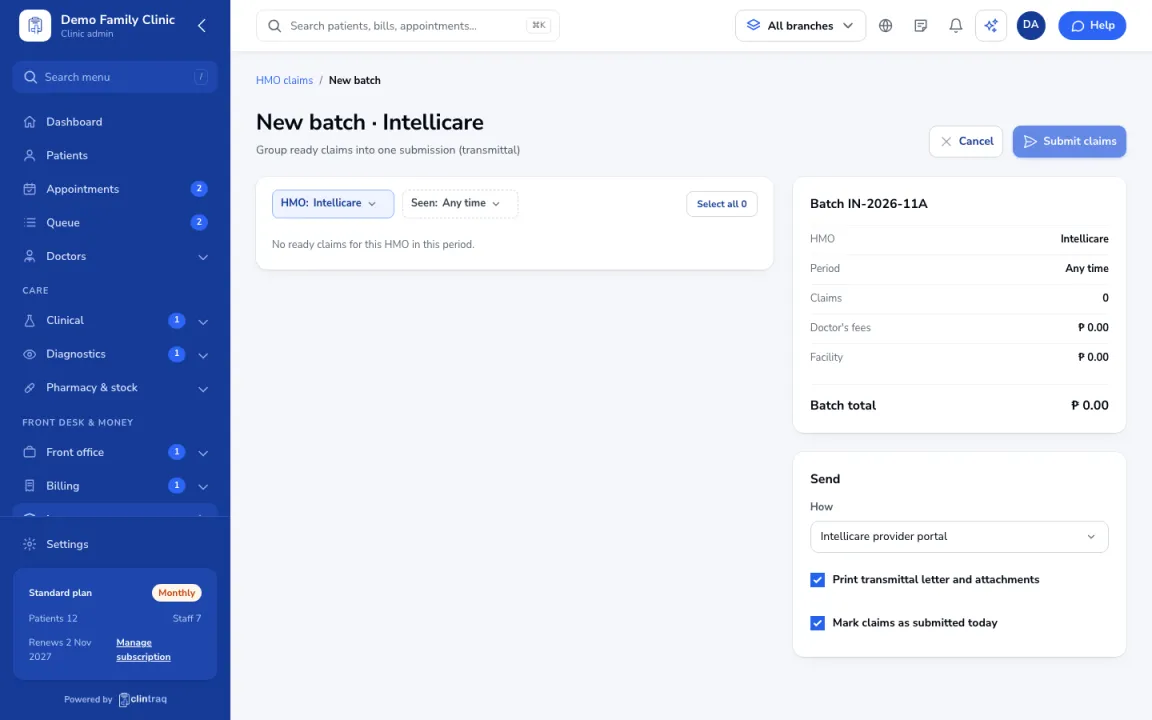
In Insurance › HMO claims, click New batch, then pick the HMO and the period.
Select claims
Select the ready claims. Claims missing an attachment are left out and flagged.
Choose how to send
Check the batch total, then choose how you send it (provider portal and/or courier).
Submit
Print the transmittal letter and attachments, then click Submit. The claims are marked as submitted today.
Tip Watch the filing-limit warnings in HMO claims. Each HMO has its own deadline.
Was this article helpful?