

Export PhilHealth claims for eClaims
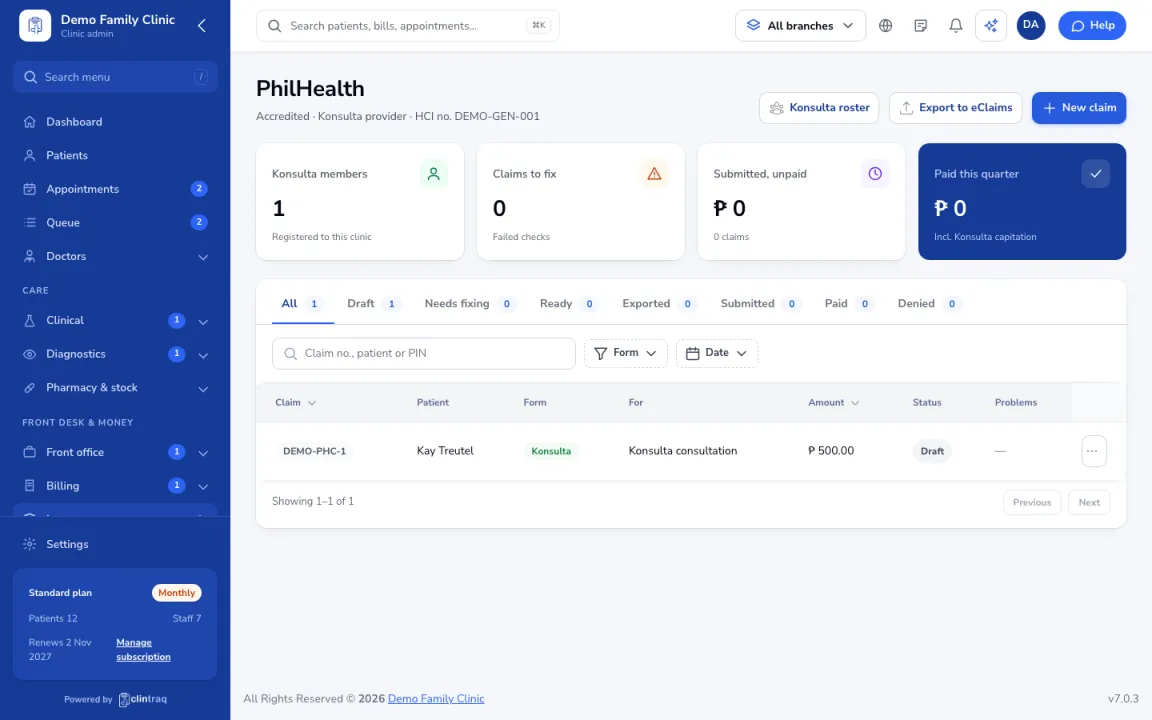
Export ready PhilHealth claims as a file for the eClaims portal, then mark them submitted in Clintraq.
Export the file
In Insurance › PhilHealth, open the claim (or select ready claims) and click Export XML or Export to eClaims.
Upload to eClaims
Upload the file on the PhilHealth eClaims portal.
Mark as submitted
Come back to Clintraq and mark the claims as submitted so you can track payment.
Was this article helpful?