

Set up PhilHealth
Enter your accreditation, Konsulta details and case rates before filing claims.
Accreditation
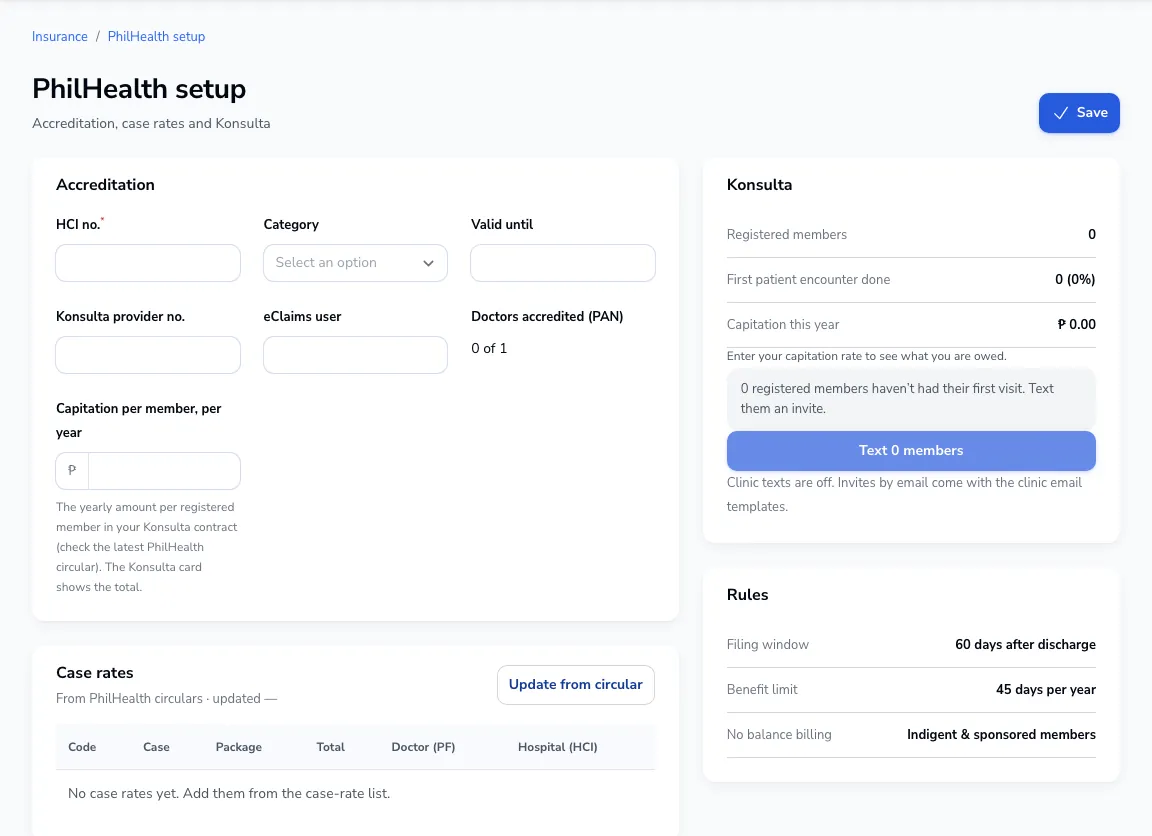
Go to PhilHealth → Setup. Enter your HCI number, category, validity, Konsulta provider number and eClaims user, and the PAN of each accredited doctor.
Case rates
Add the case rates you use from the current PhilHealth circulars. Bills use them to work out the PhilHealth share.
Konsulta
Enter your capitation per member per year to see what you are owed for registered members.
Was this article helpful?