

Manage your Konsulta roster
Register members to your clinic and track their first patient encounter.
Open the roster
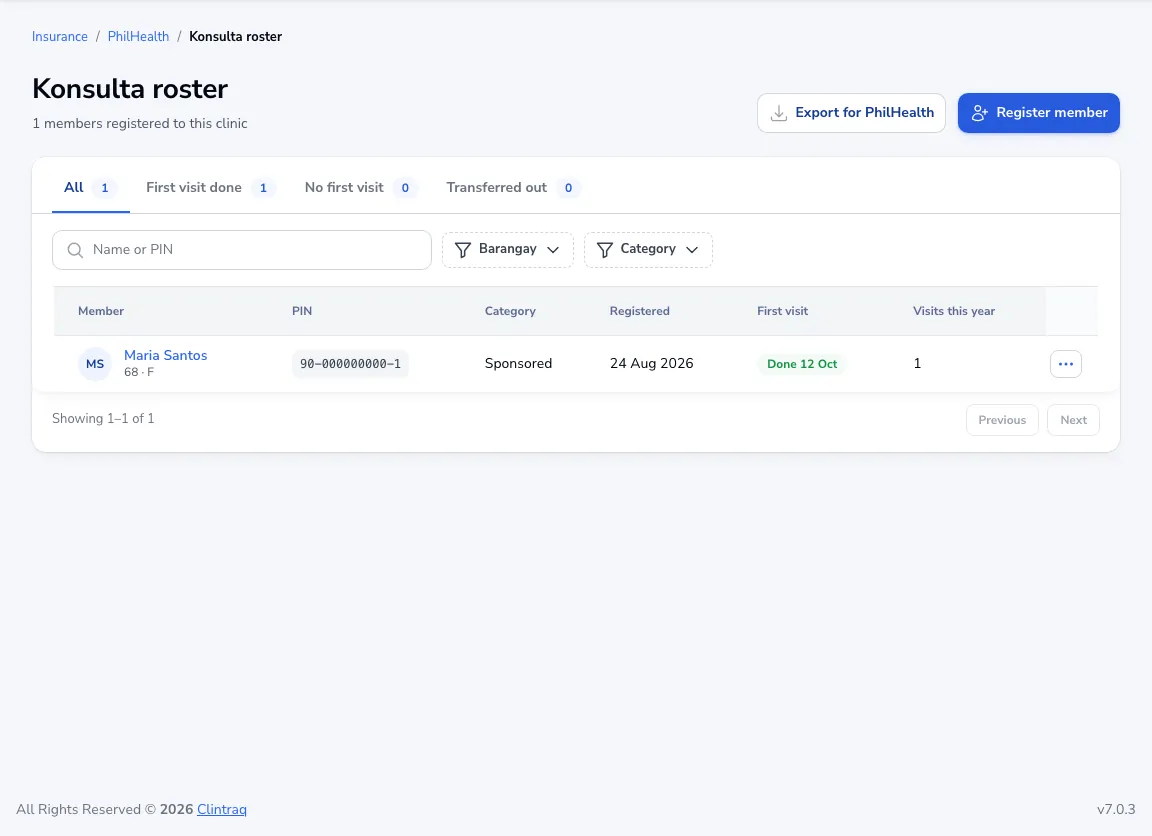
Go to PhilHealth → Konsulta roster. Filter by members who had their first visit, those who haven’t, and those transferred out.
Register a member
Click Register member, choose the patient and enter their PIN and category.
Export
Click Export for PhilHealth to download the roster.
Was this article helpful?