

Use the appointment calendar
See every doctor’s day, approve online requests and block time.
Open the calendar
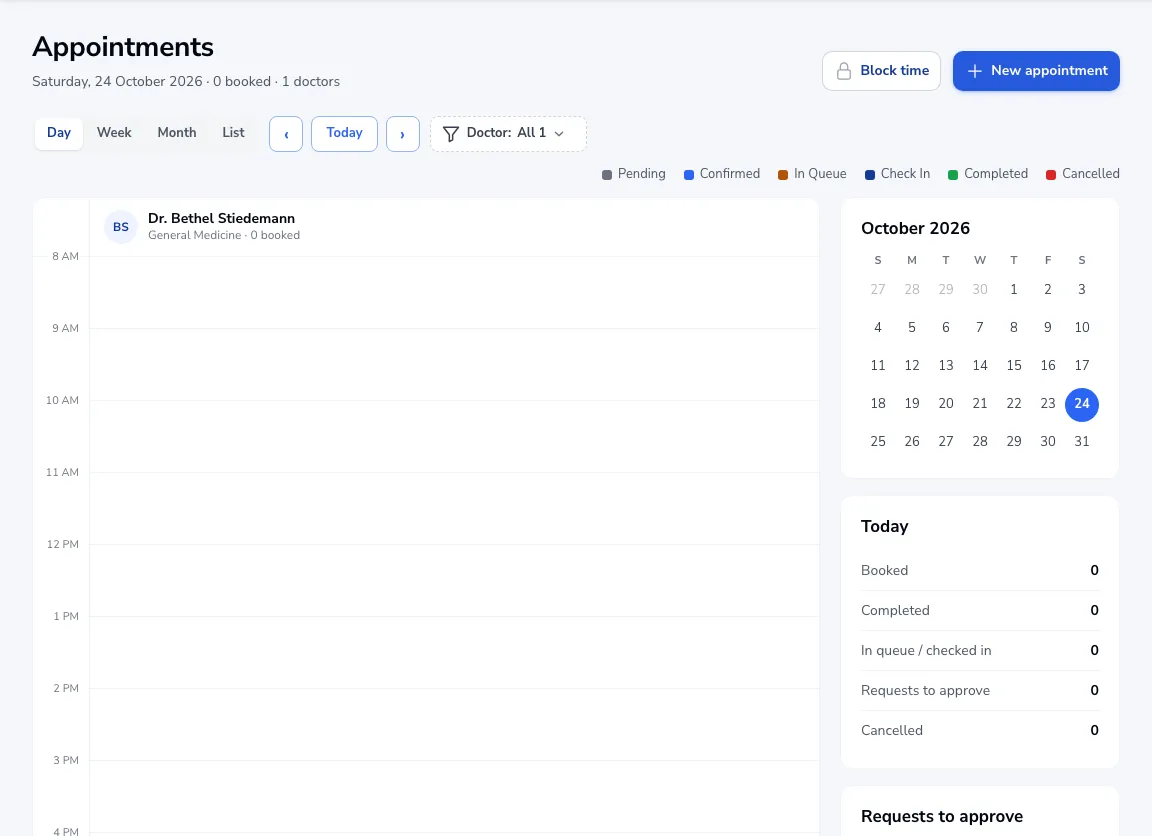
Go to Appointments and switch to Calendar. Choose Day, Week, Month or List and filter by doctor.
Approve requests
If your online booking is set so staff approve each booking, new requests wait under Requests to approve on the right.
Block time
Click Block time to keep a doctor’s slot free, for a meeting or a procedure.
Colours
Each appointment is coloured by status: Pending, Confirmed, In queue, Checked in, Completed or Cancelled.
Was this article helpful?