

Run the patient queue
Check patients in as they arrive, add walk-ins and show numbers on the waiting-room TV.
Open the queue
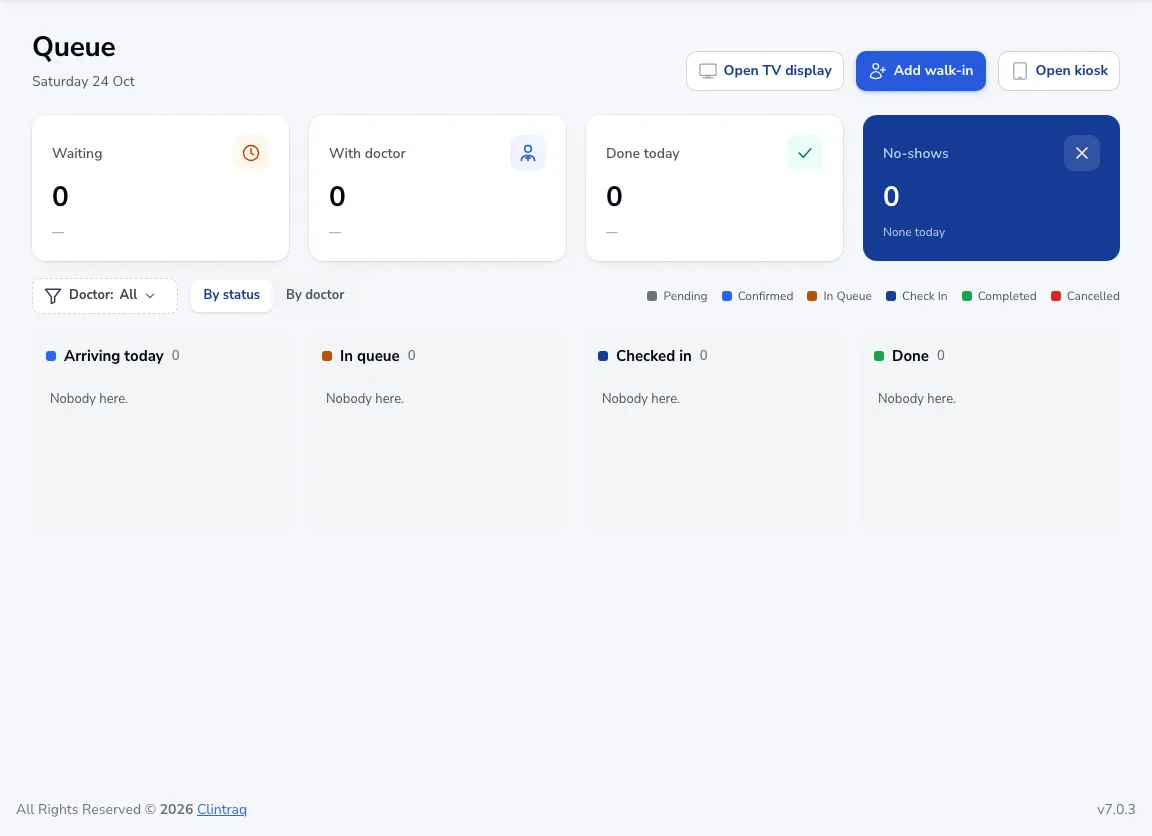
Click Queue in the menu. Today’s patients are grouped into Arriving today, In queue, Checked in and Done. Switch to By doctor to see each doctor’s line.
Check patients in
When a booked patient arrives, move them to In queue. The doctor sees them waiting and calls them in.
Walk-ins
Click Add walk-in for patients without an appointment.
TV and kiosk
Open TV display shows queue numbers on a screen in the waiting room. Open kiosk lets patients check themselves in on a tablet.
Was this article helpful?