Choosing the Right Clinic Management Software: A Buyer's Guide for Small Practices
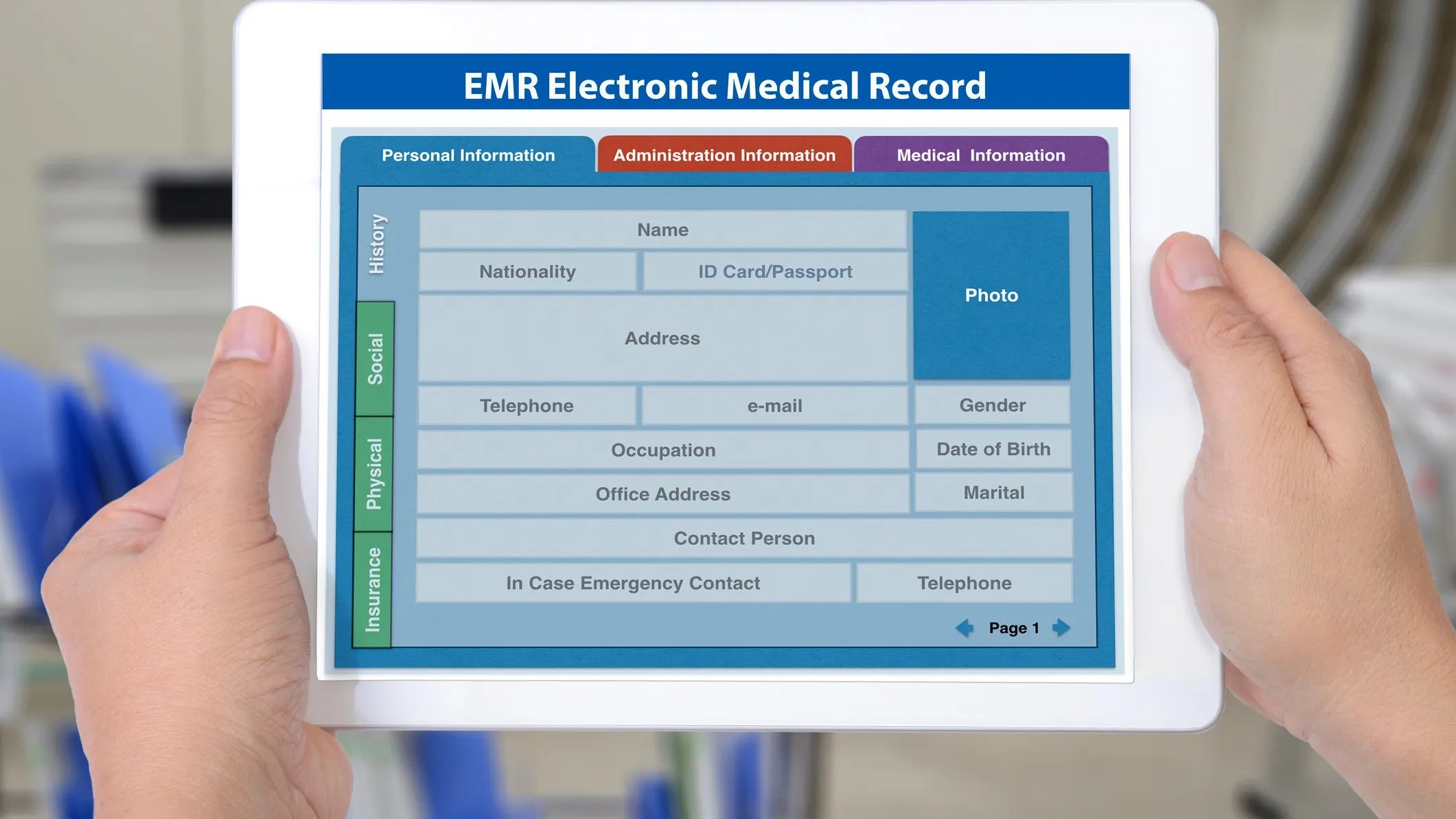
For a small or mid-size clinic, choosing practice management software is a decision that affects everything from staff workload to patient satisfaction. With dozens of platforms on the market, it helps to evaluate options against a consistent set of criteria rather than getting pulled in by feature lists alone.
Start with your daily workflow
Before comparing vendors, map out how a patient moves through your clinic today: booking, check-in, intake forms, the visit itself, billing, and follow-up. Any software you choose should reduce friction at each of these steps, not just digitize the paperwork you already have.
Core features to look for
- Scheduling that supports multiple providers, rooms, and appointment types without double-booking.
- Patient records that are easy to search and update mid-visit, not just after the fact.
- Billing and claims that integrate with your existing payer relationships.
- Patient communication tools, like reminders and secure messaging, built in rather than bolted on.
Questions to ask every vendor
- How long does implementation typically take for a clinic our size?
- What does data migration from our current system look like?
- Is support included, or is it a paid add-on?
- How is patient data secured, and is the platform HIPAA-compliant by design?
Total cost of ownership
Sticker price rarely reflects the real cost. Factor in training time, data migration, and any per-provider or per-appointment fees that scale as your clinic grows. A slightly higher monthly cost is often worth it if it eliminates a separate billing tool or reduces no-shows enough to pay for itself.
The right software should feel like it disappears into the background — staff stop thinking about the tool and simply get through their day faster.
Moving on — I'll circle back to sourcing images at the end if this keeps happening.